Every screen, at honest sizes.
Real captures of the software on the demonstration vessel layout, at 1440 pixels for a bridge display and 390 pixels for a phone. Pick a page on the left the way you would in the sidebar on board.
Home
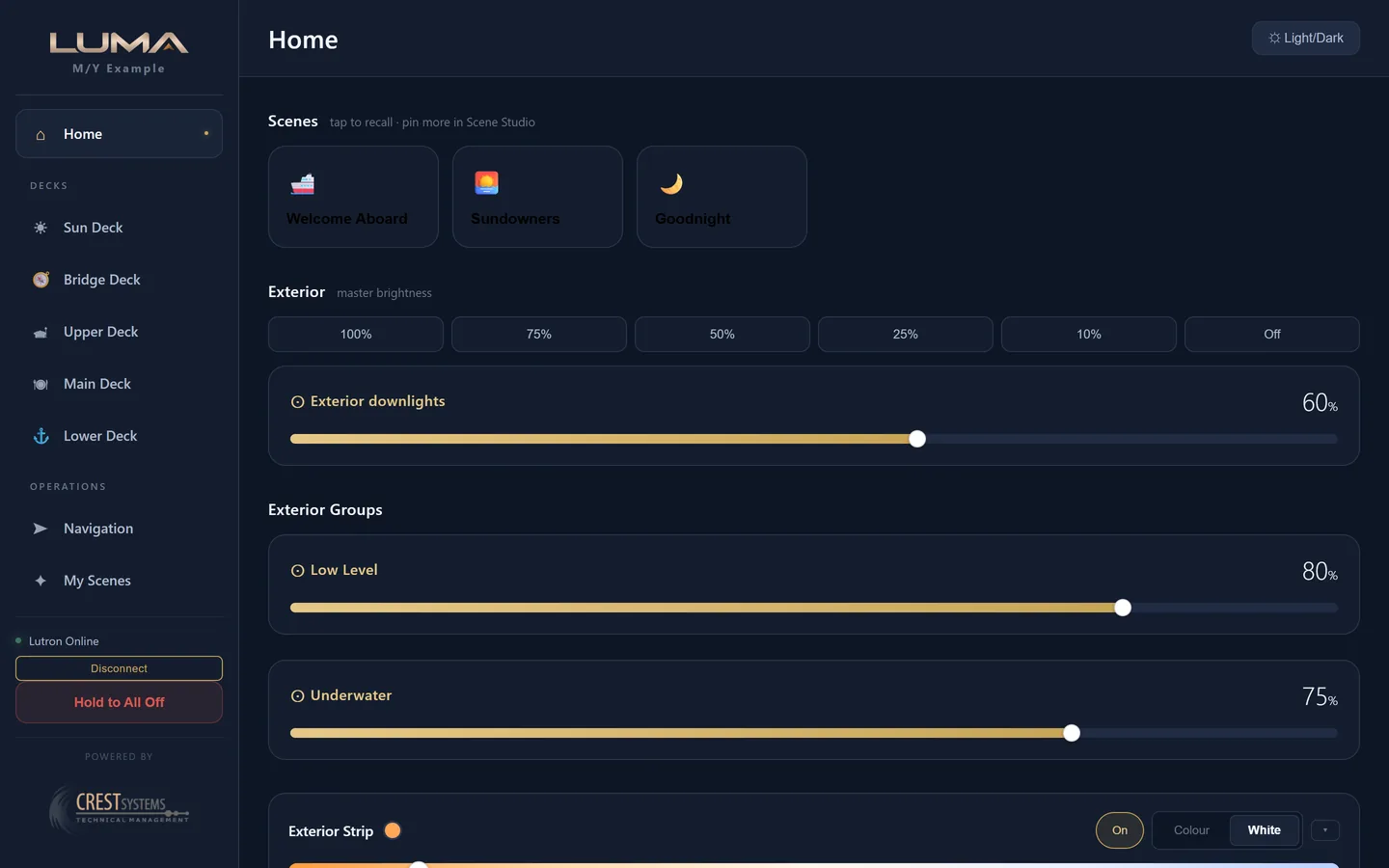
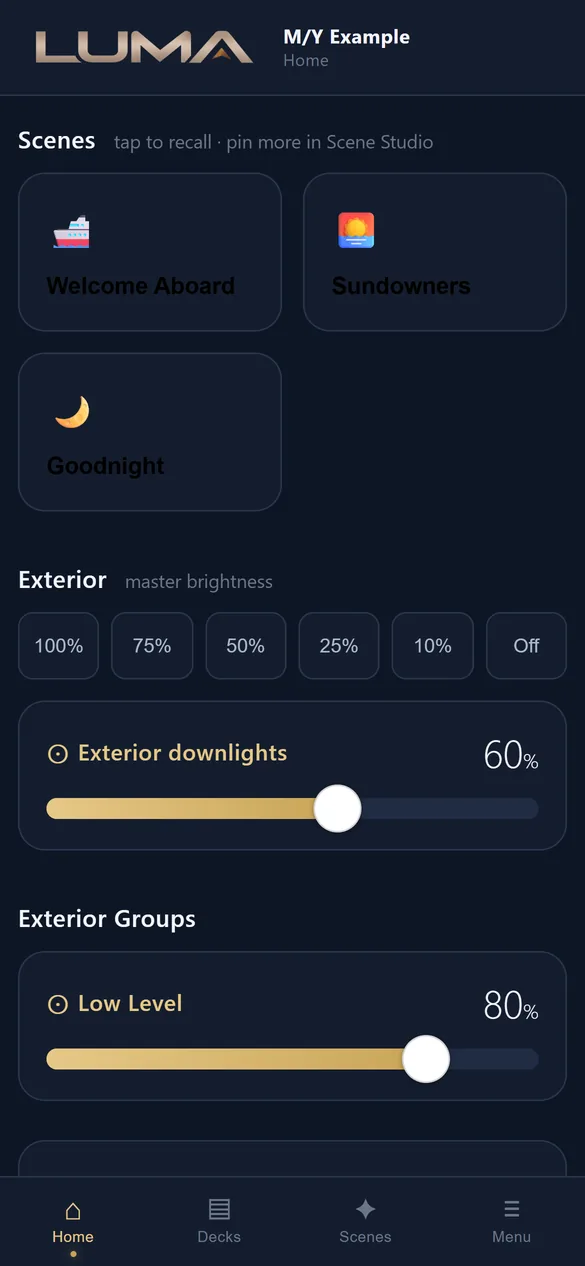
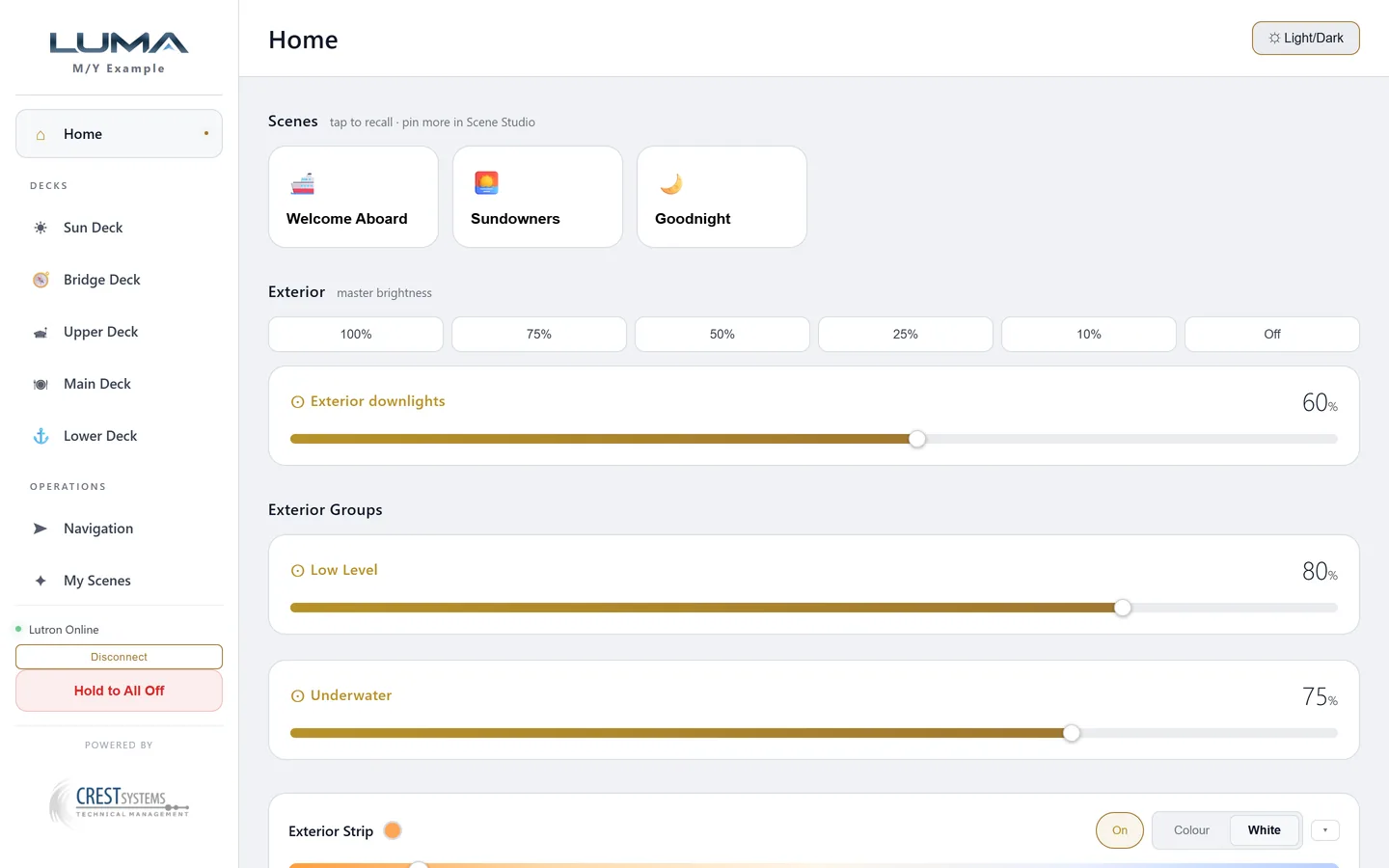
The overview for exterior control and quick recall. Pinned scenes at the top, the exterior master with quick presets, the exterior groups (low level, underwater), then the colour strip for the whole boat and a card per deck.
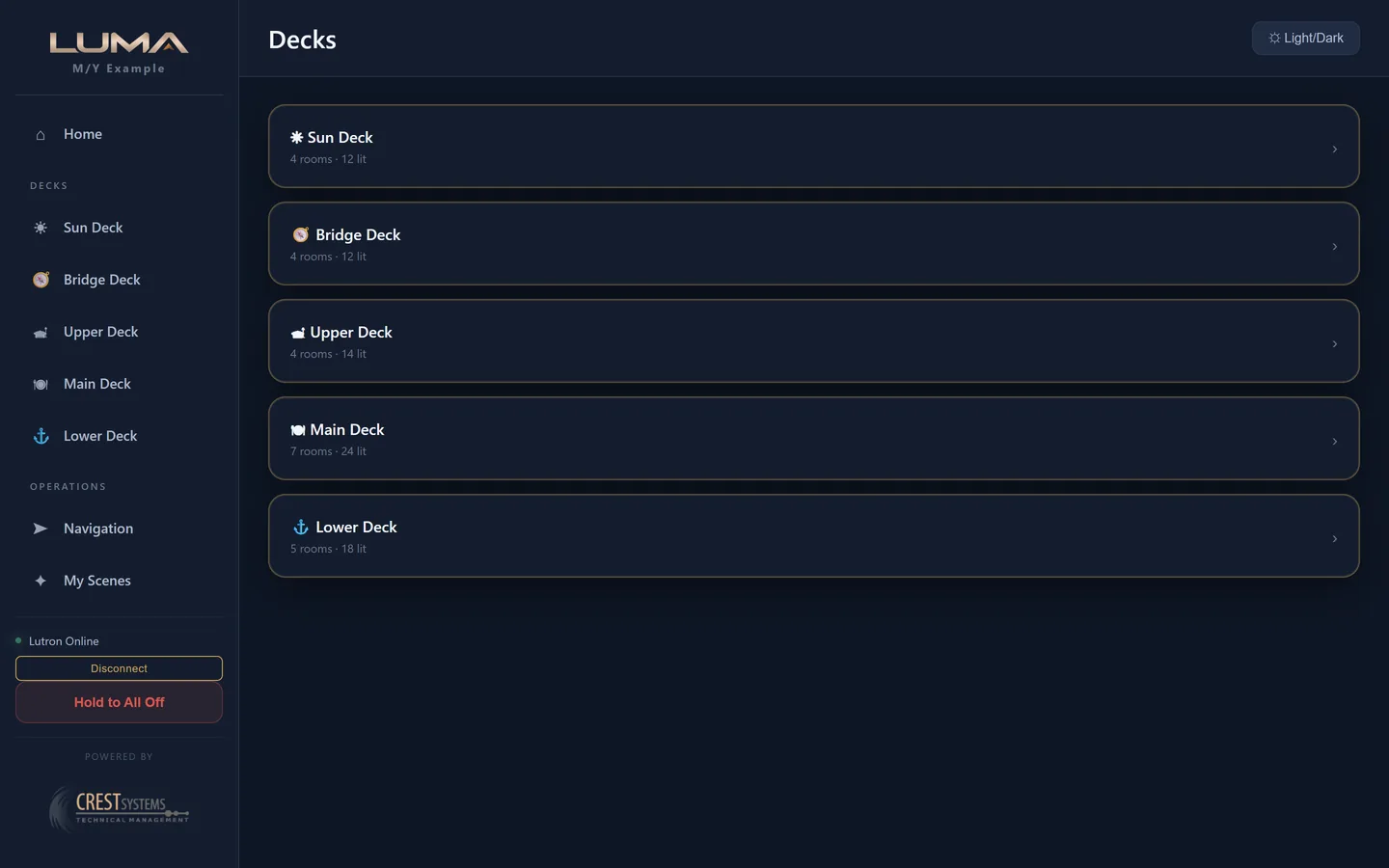
A deck
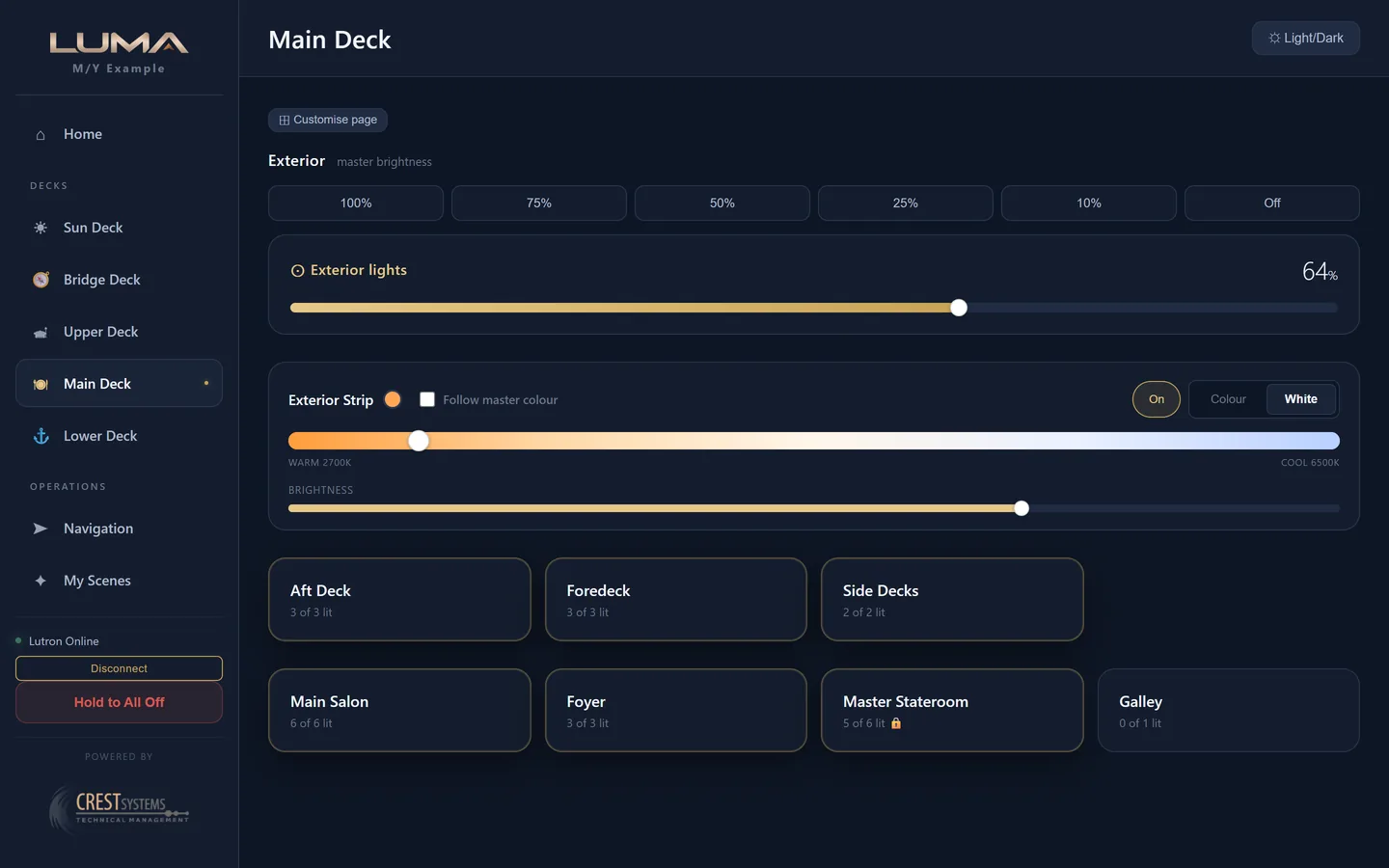
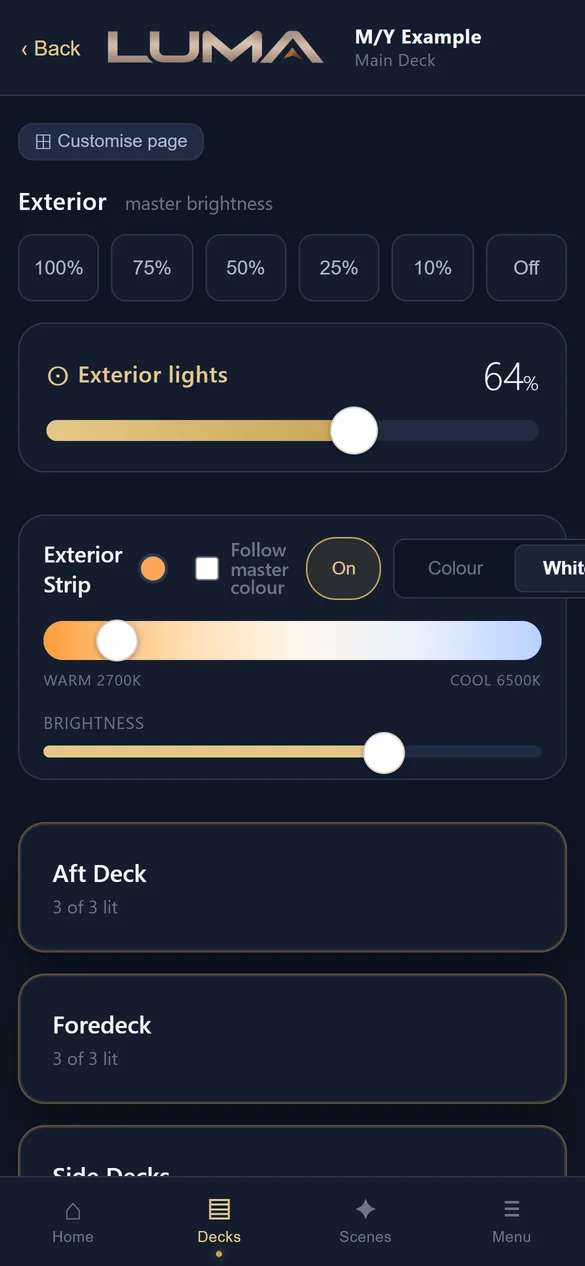
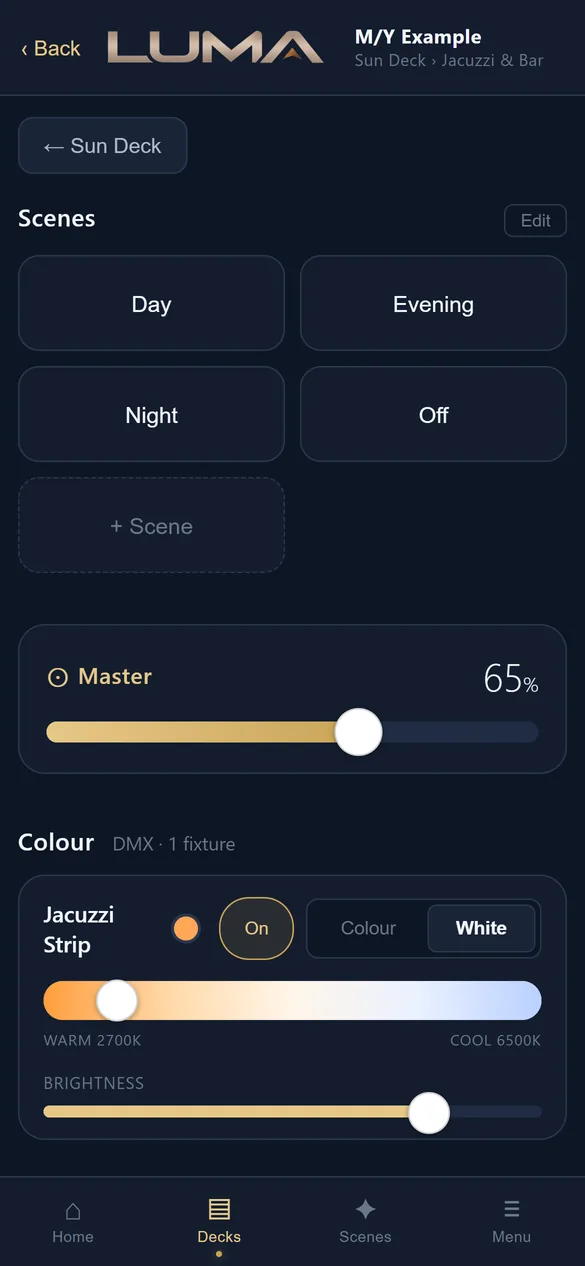
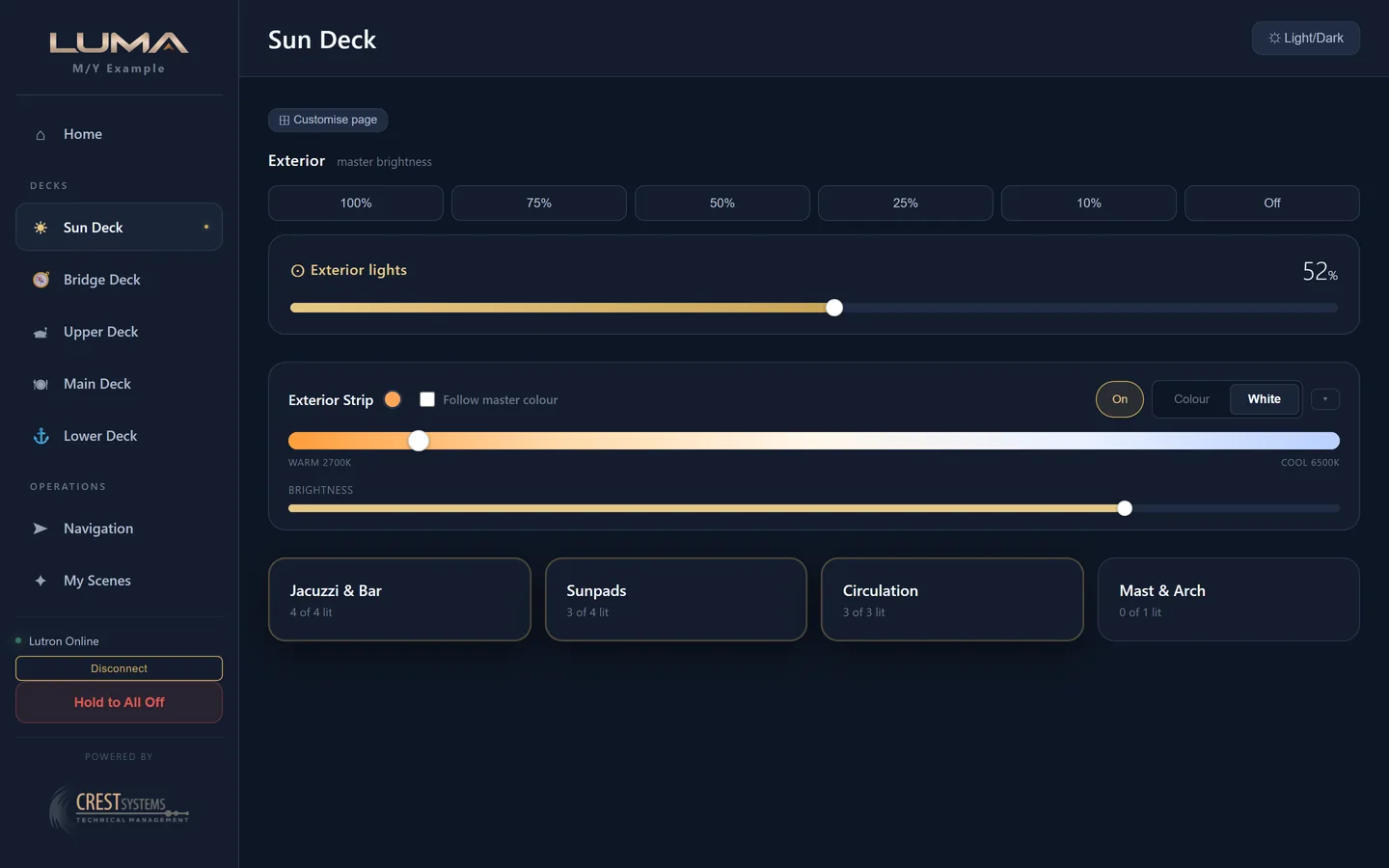
Each deck has its own page: the exterior master and presets scoped to this deck, the exterior strip for this deck, then room cards divided into Exterior and Interior. Each card shows the room name, how many loads are lit, and a lock where the room is private.
A room
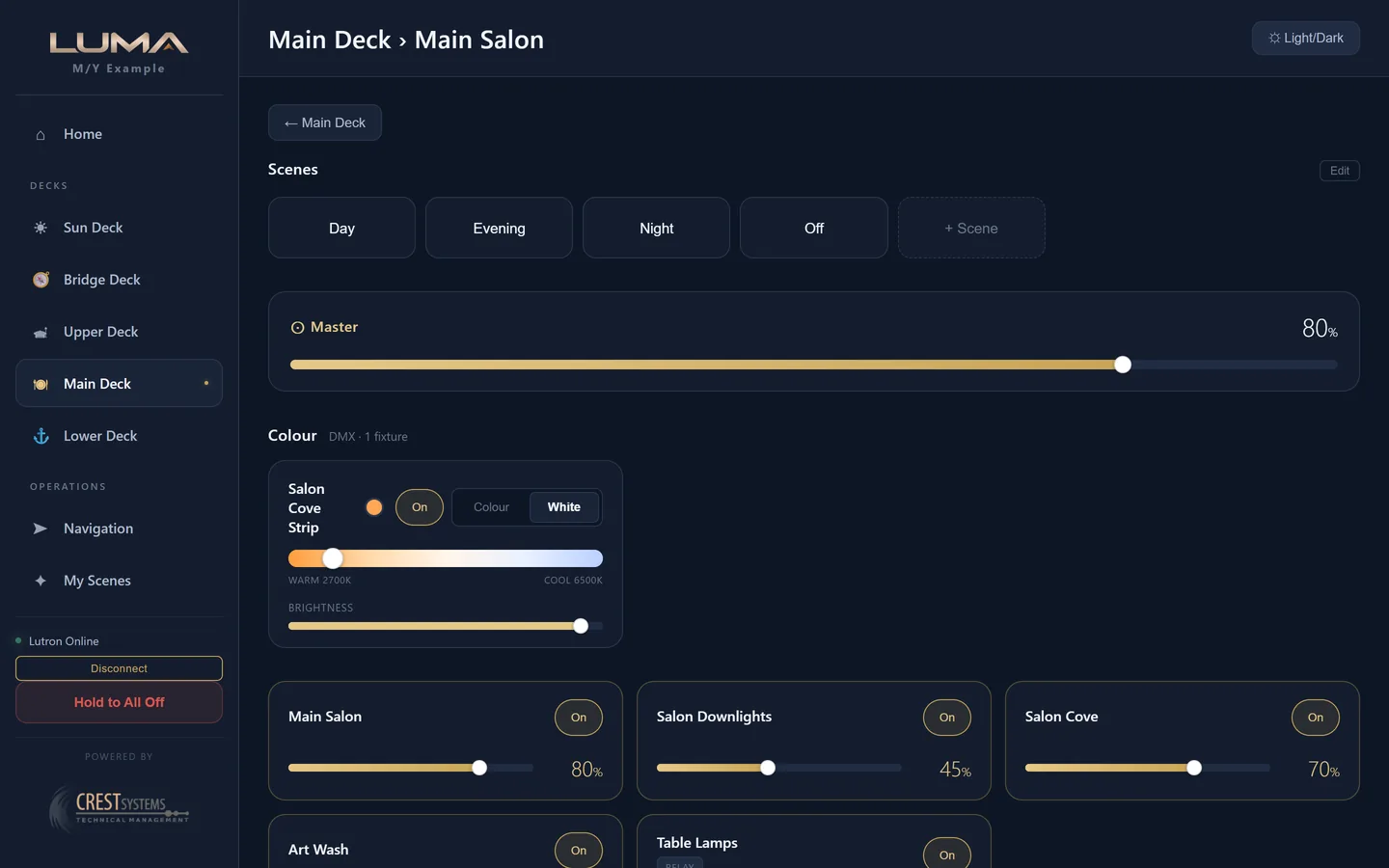
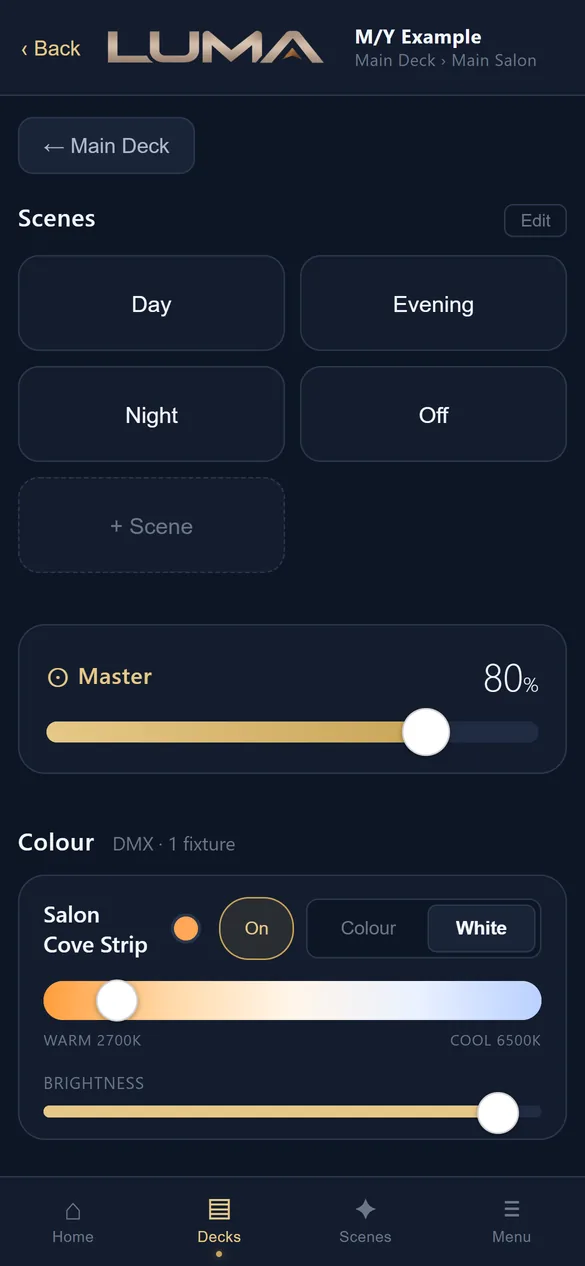
Scene pills for the scenes programmed in Lutron Designer, a master bar for the room with an Include strip option, a colour fixture card for each RGBW strip, then a card for every dimmer or switched load with a slider or toggle, an On and Off pill and the live percentage.
Colour strips
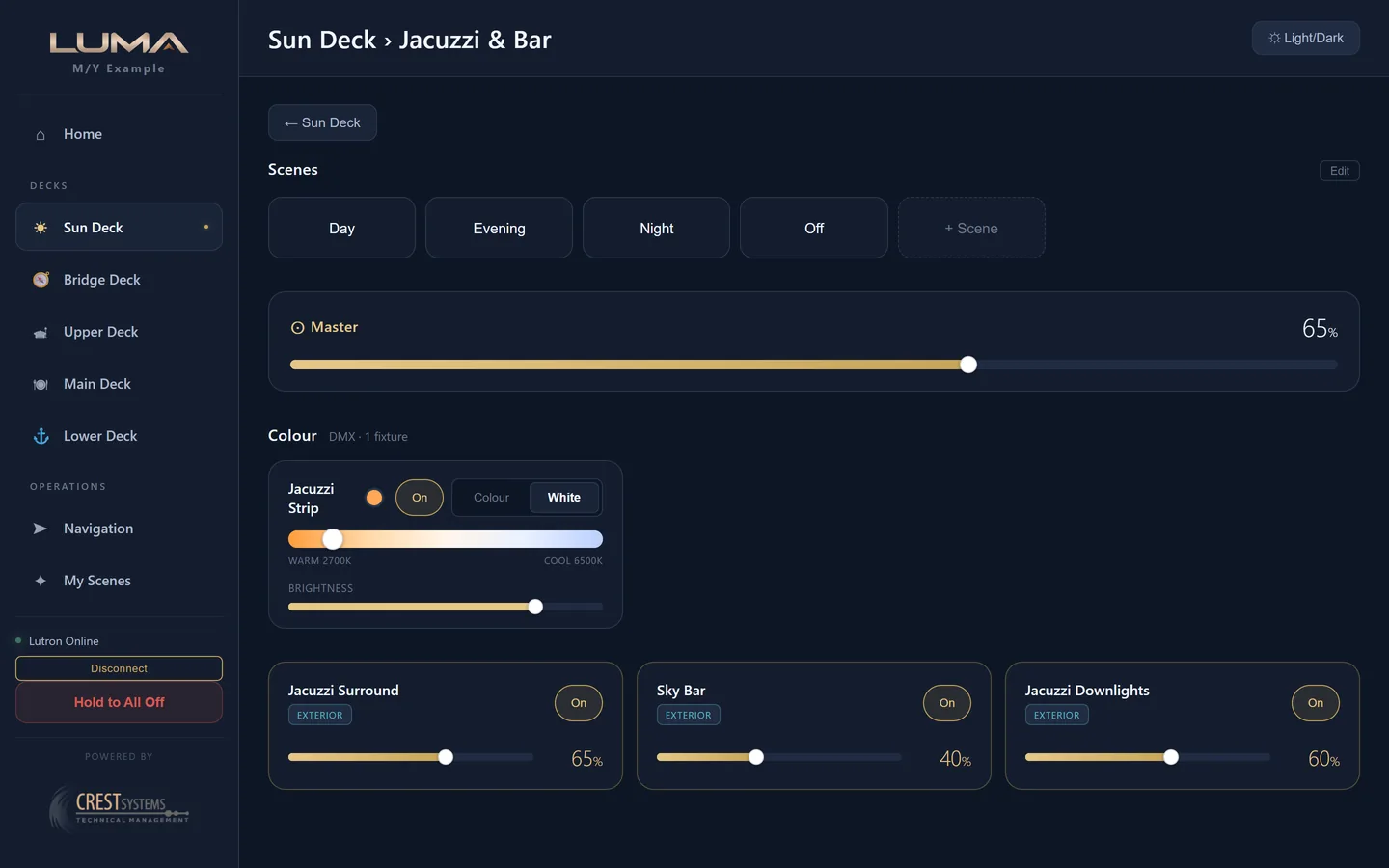
RGBW tape as a fixture: Colour or White mode, a hue bar or a kelvin bar from 2200 K to 6500 K, a brightness bar and an On and Off pill. On a deck page the exterior strip is scoped to that deck; on Home it covers the whole boat with a per type expansion for ceiling, low level, staircase and pool.
Navigation
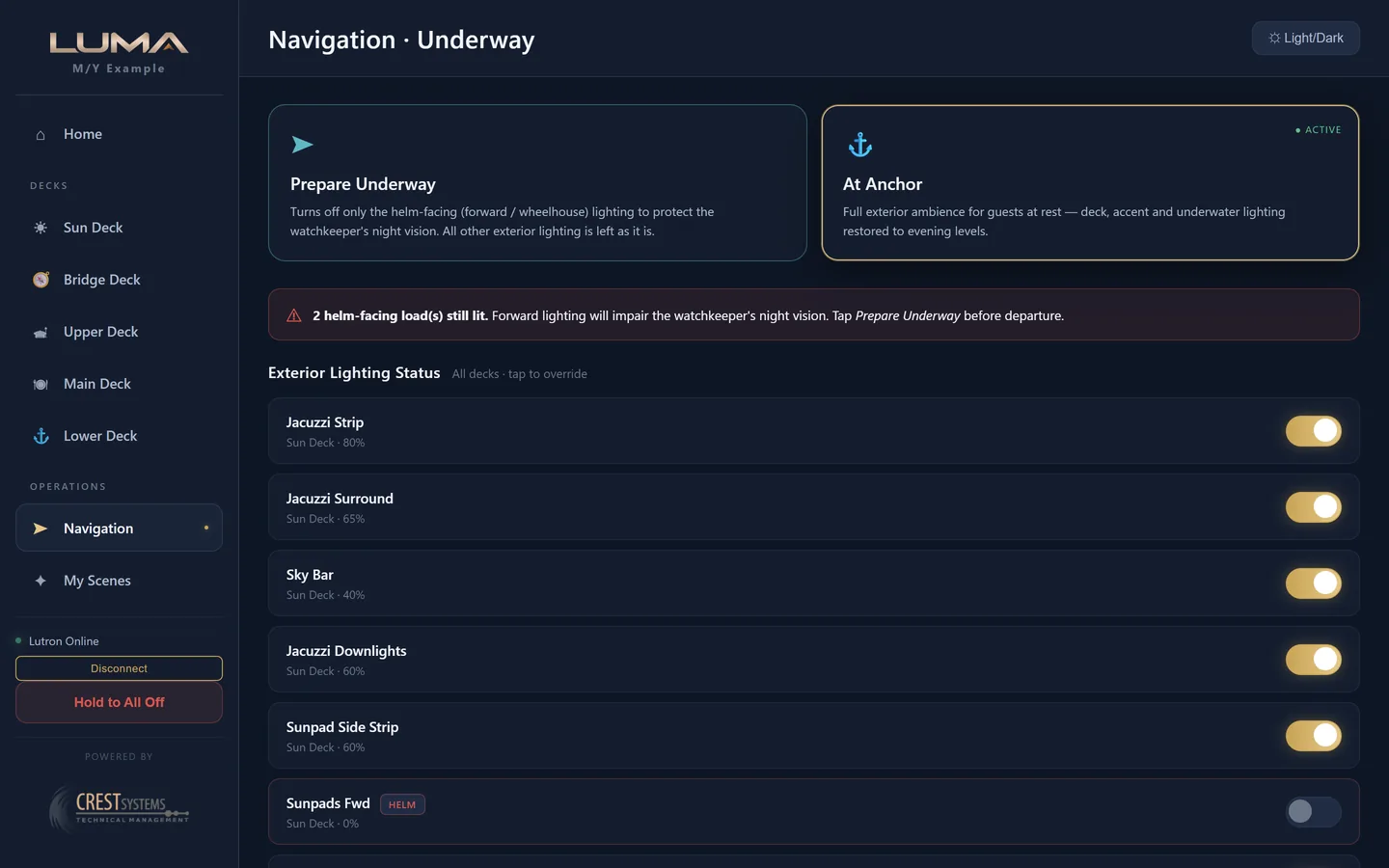
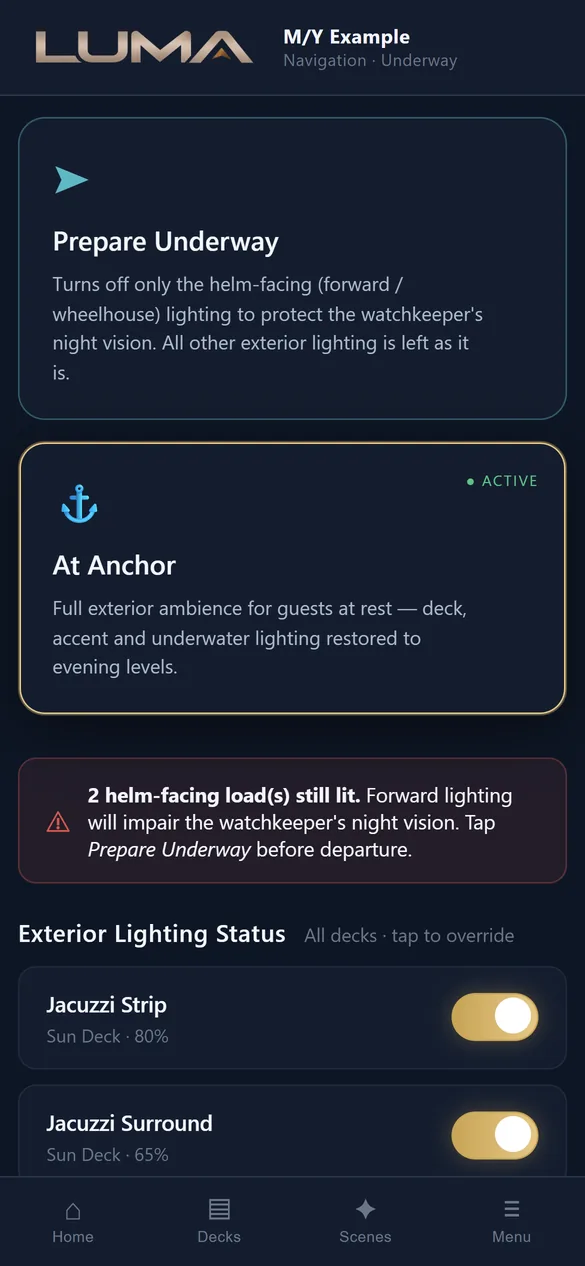
For the officer of the watch. Prepare Underway turns off only the helm facing circuits. At Anchor restores the evening ambience. The status list shows every exterior load with its deck, level and a Helm chip, each with an override toggle.
My Scenes
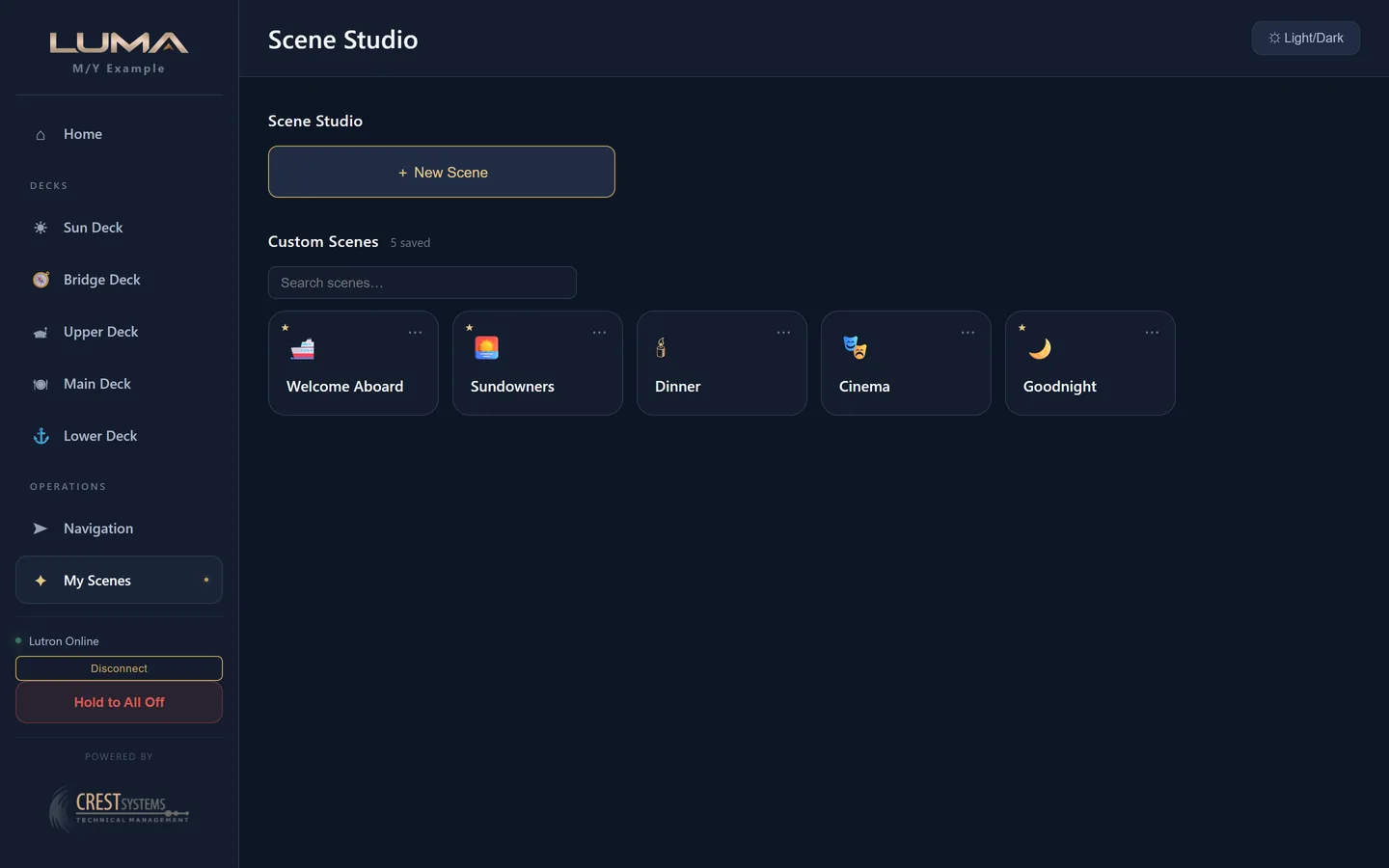
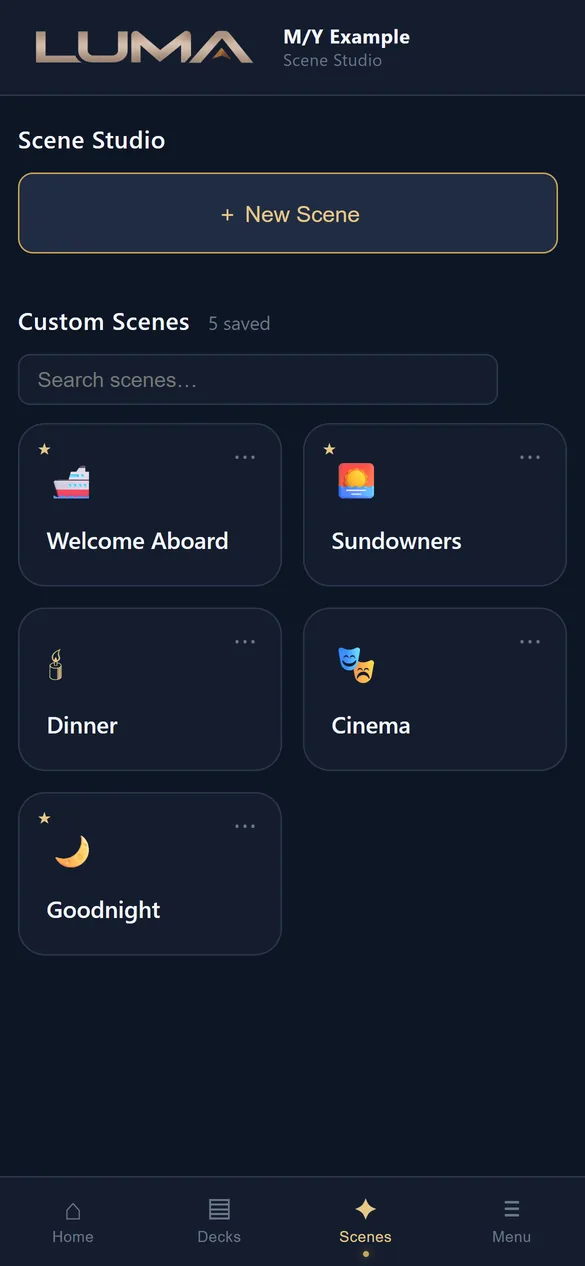
Scene Studio. Capture the current state of the boat, name it, choose an icon. Each card has a menu to recall, re-capture, rename, pin to Home or delete. A search box appears once there are more than four.
Guest page
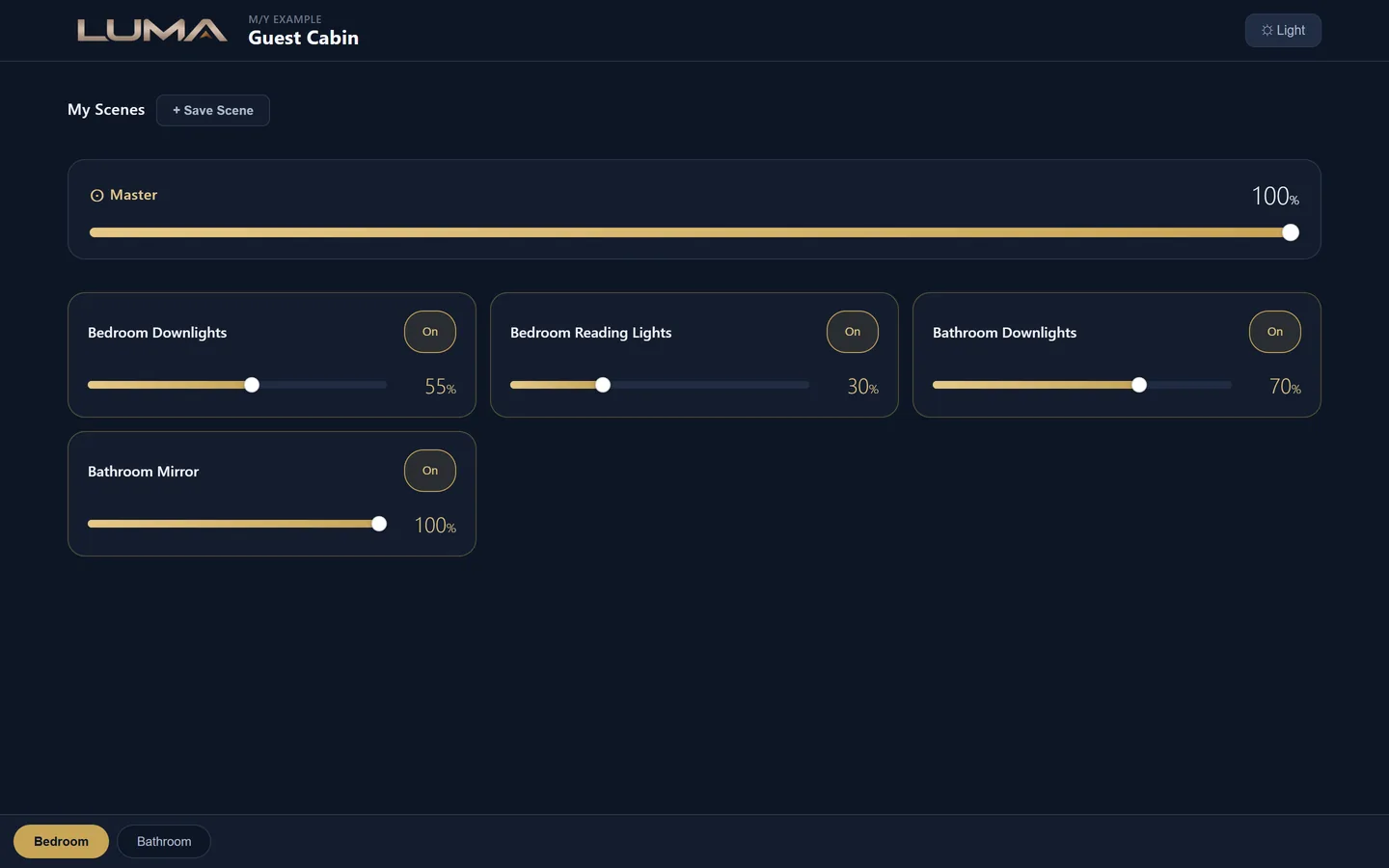
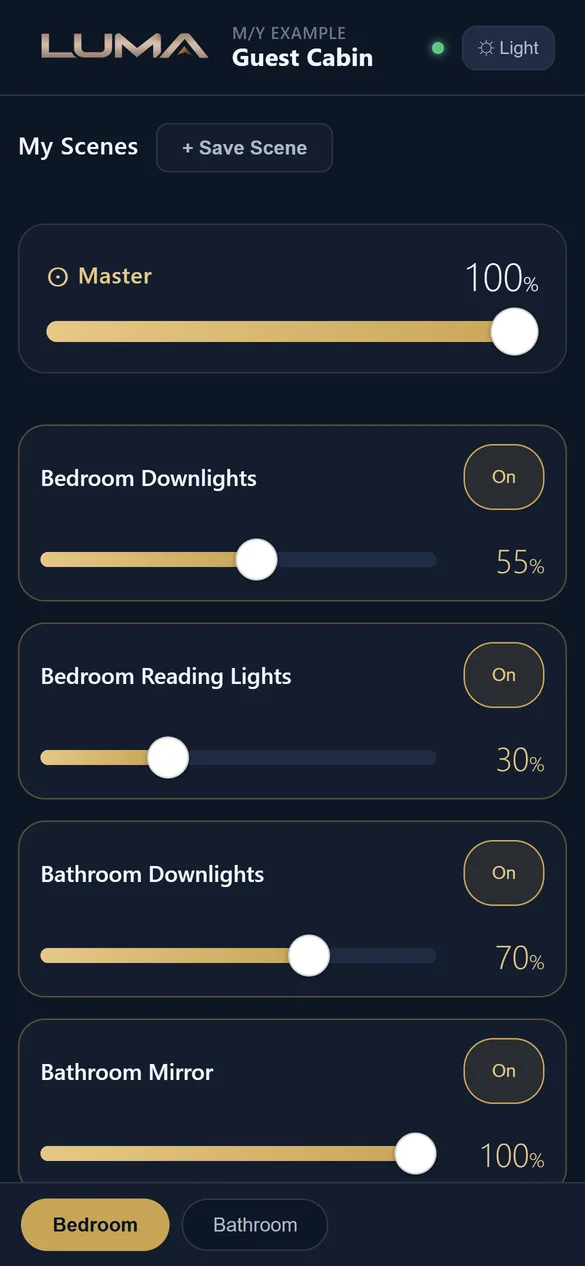
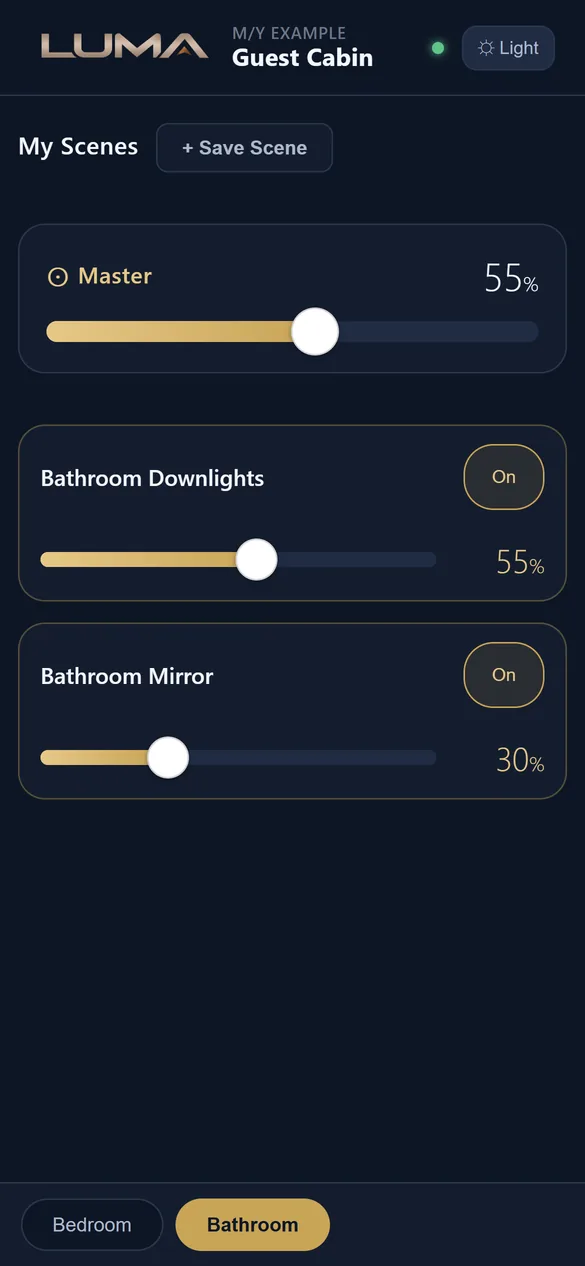
What a guest sees after scanning the plaque in their cabin: their scenes, a master bar, each light, and tabs for each space when the cabin is split. No PIN, no sidebar, nothing else on the boat.
Configurator
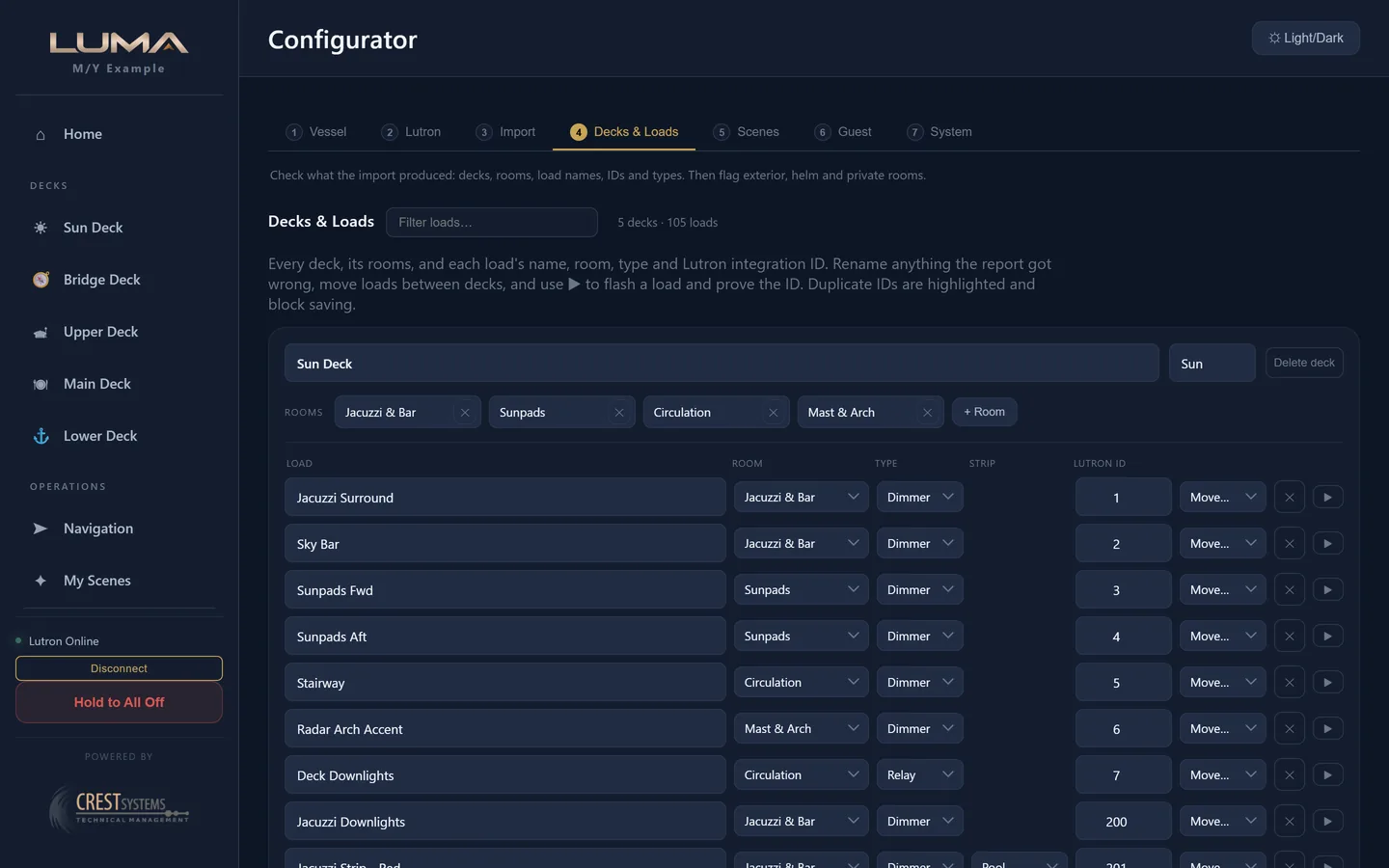
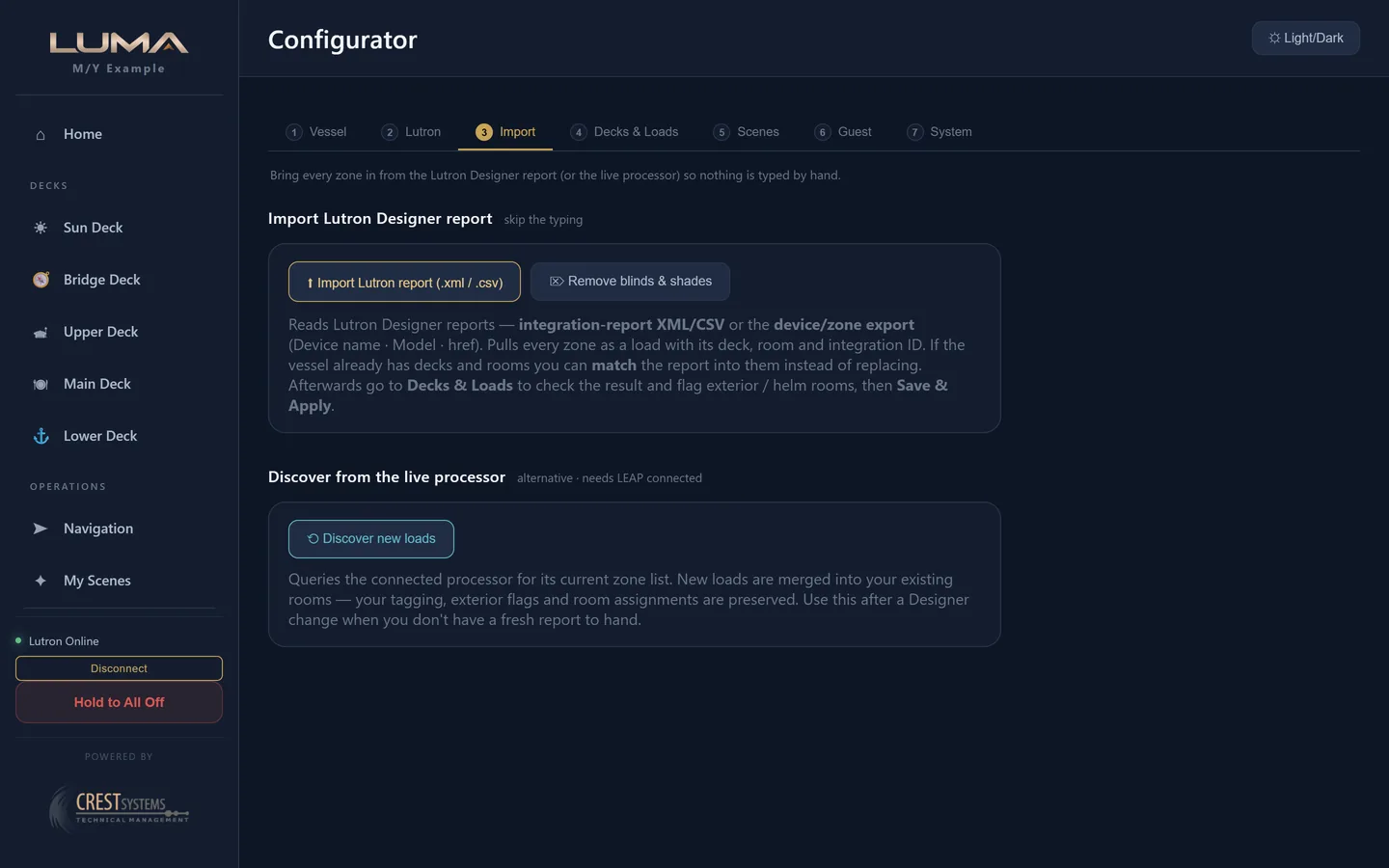
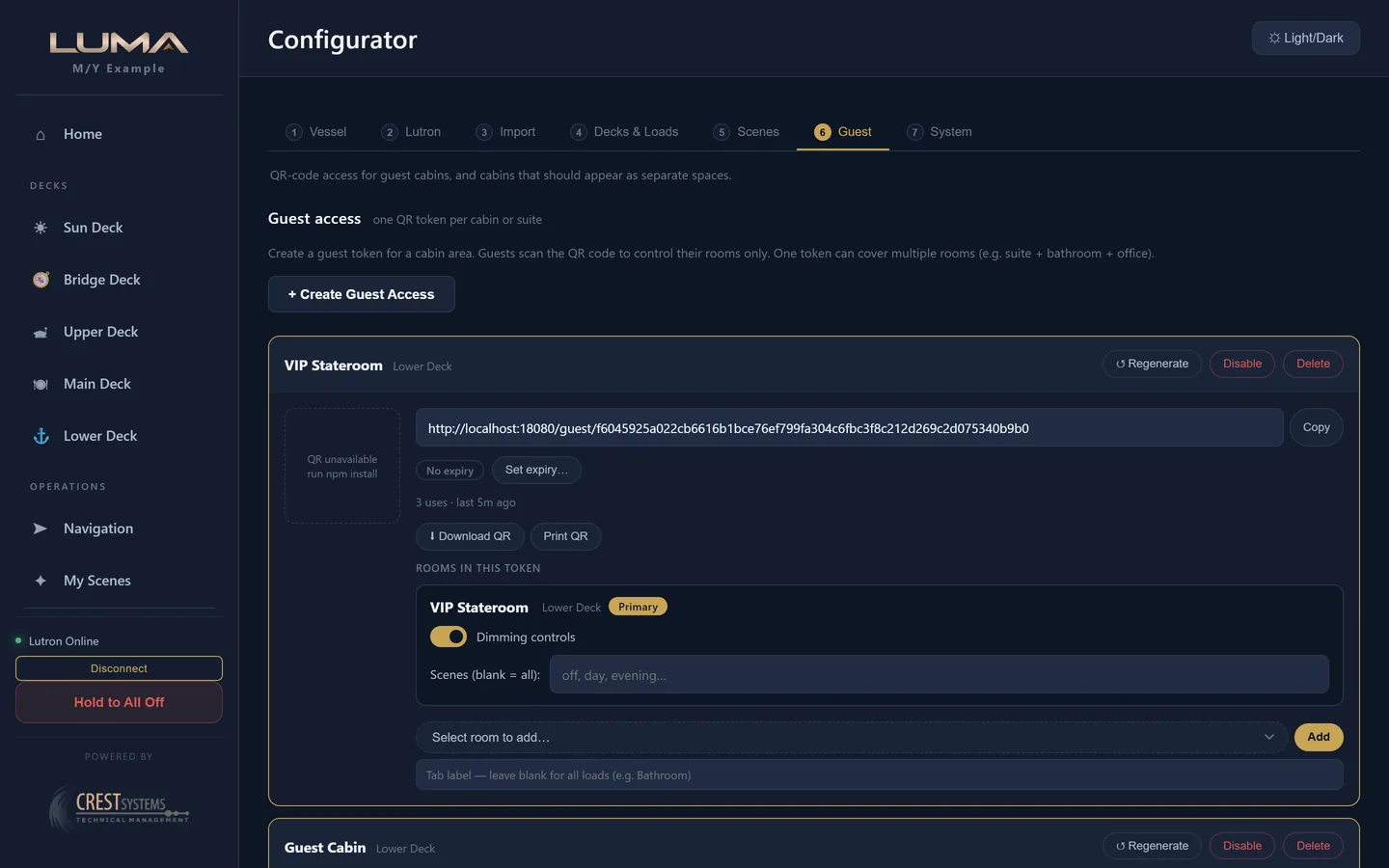
Seven numbered steps behind the engineer PIN: Vessel, Lutron, Import, Decks and Loads, Scenes, Guest, System. An amber banner shows whenever the draft differs from what is on the appliance; nothing reaches the boat until Save and Apply.
Setup wizard
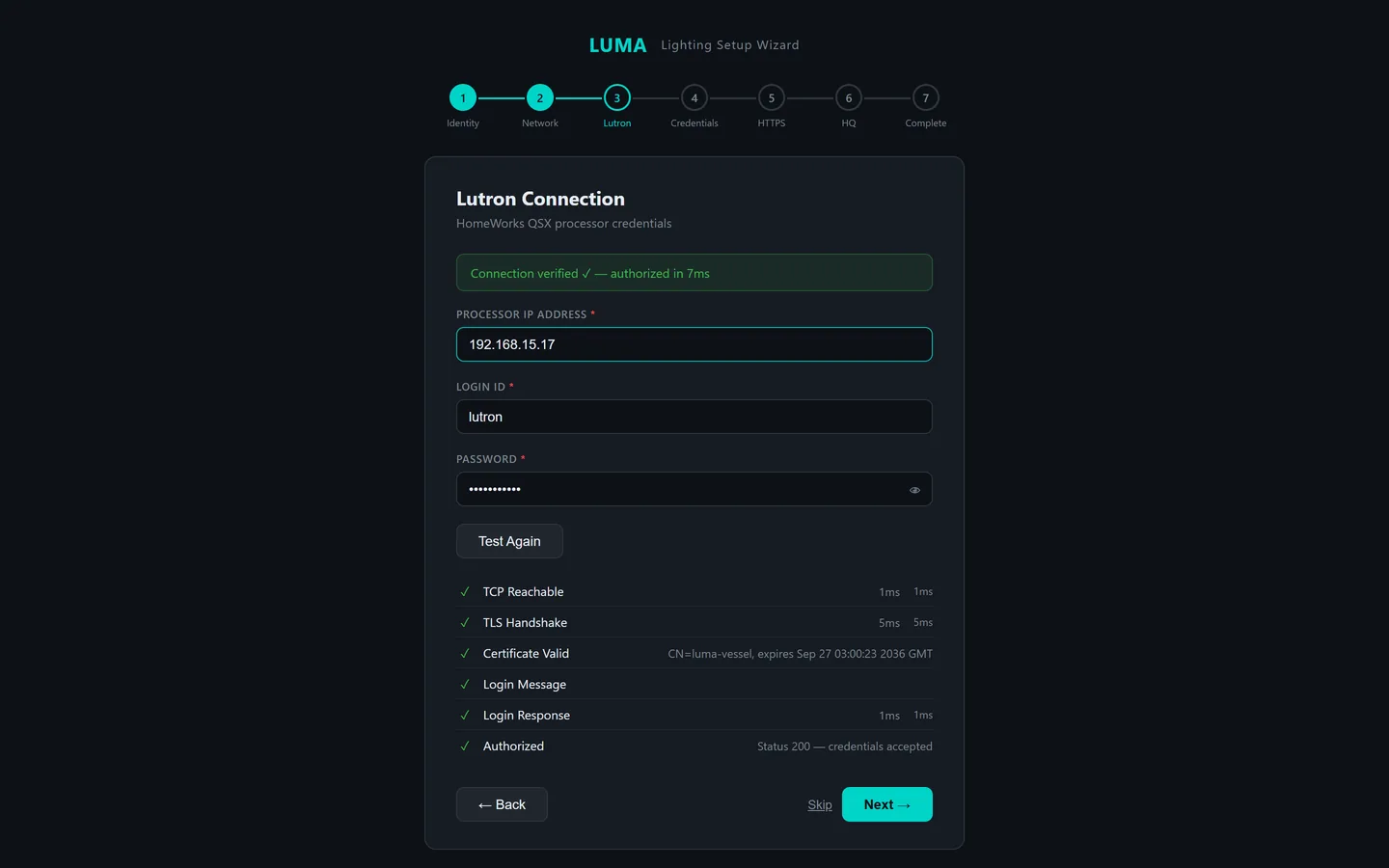
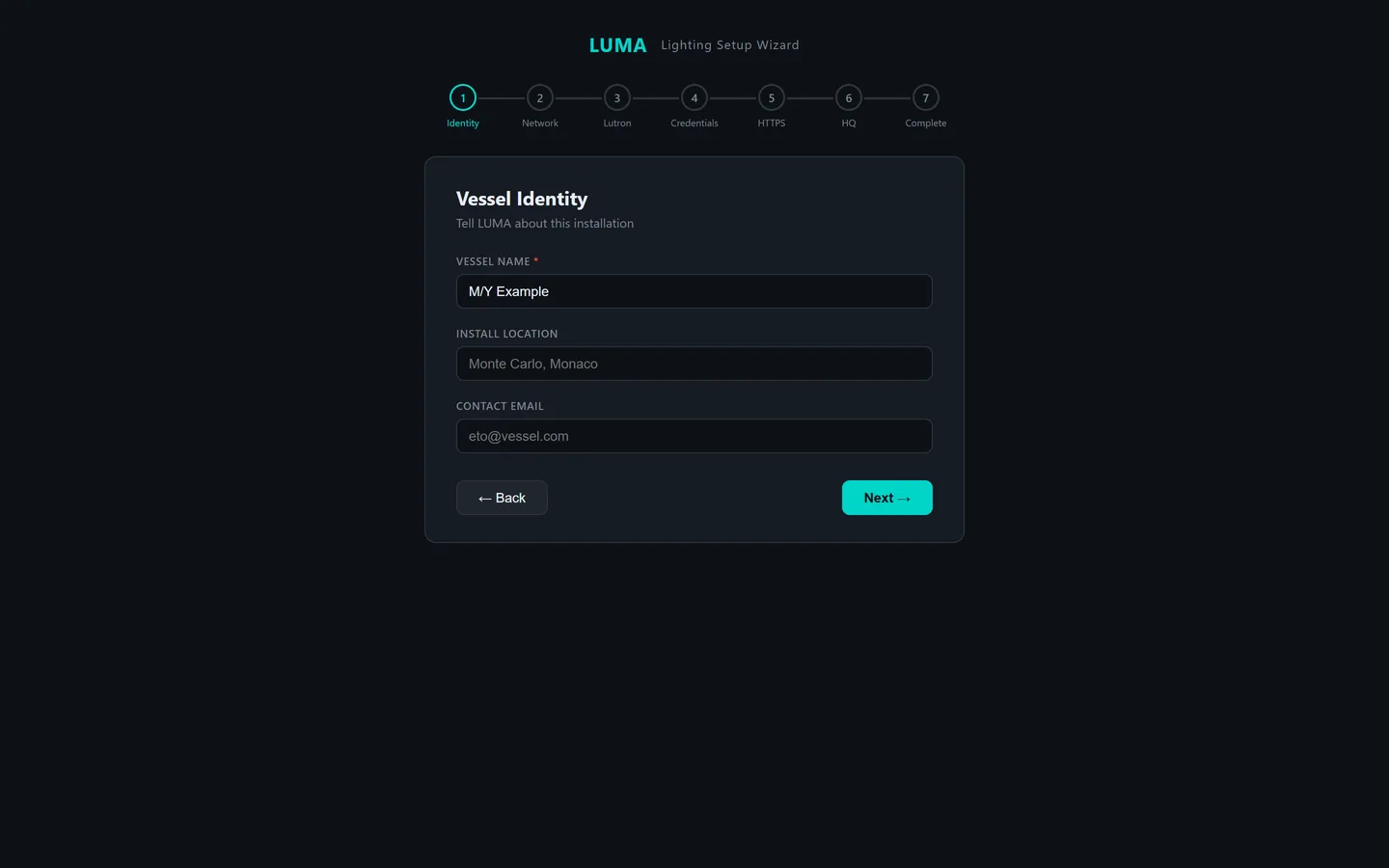
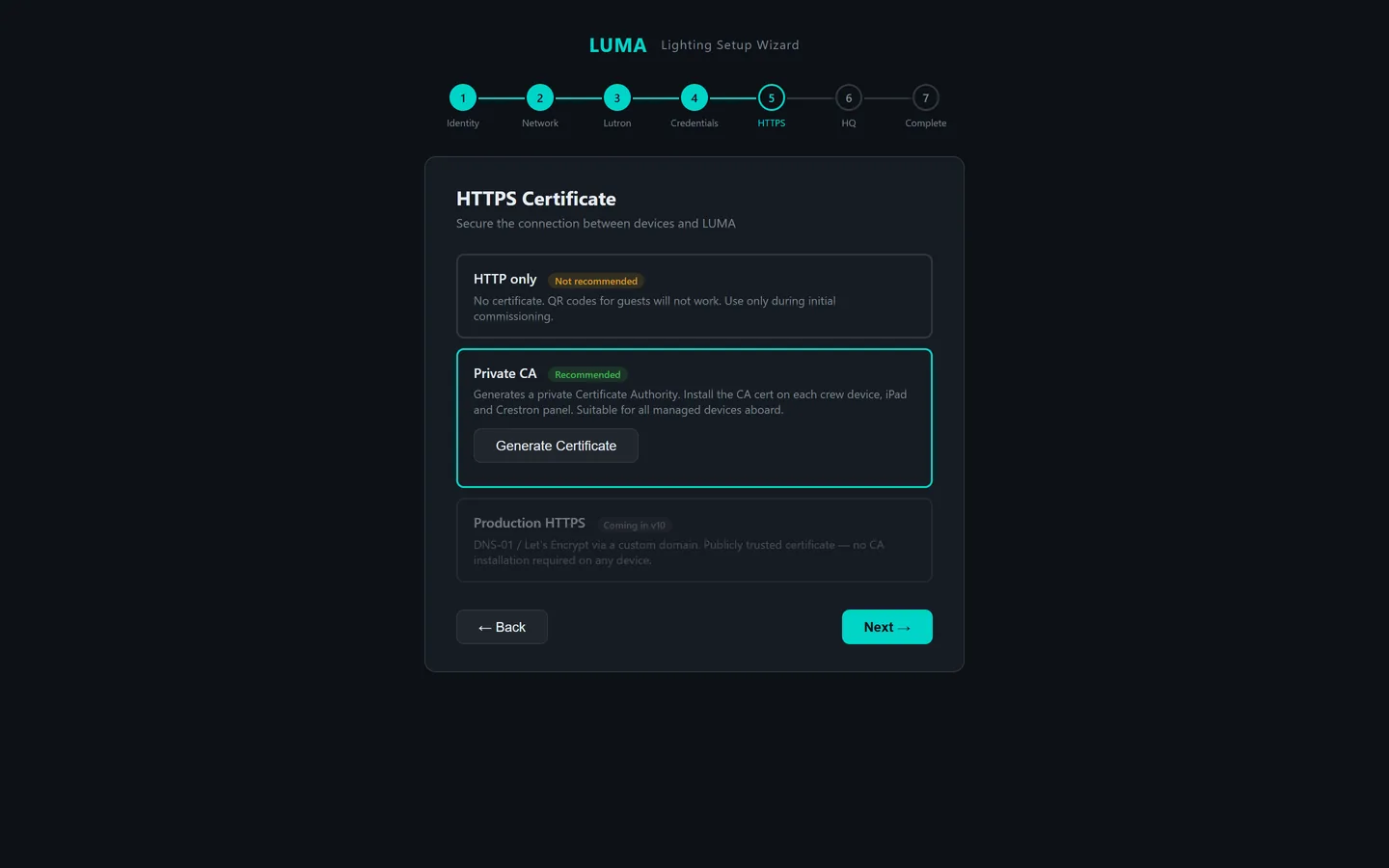
Runs once, inside the LUMA window, on first start: identity, network, the Lutron connection test, PINs, the vessel certificate, and a summary.
Day mode
A light theme for bright sunlight, one tap from the top bar. A red tinted Night mode for the bridge at night is also available. The choice is remembered per device.
Ask about LUMA for your vessel.
Crest Systems commissions LUMA ourselves or hands it to your ETO with the checklist and the installer. Send the vessel's Designer report and we'll tell you exactly what commissioning involves.
james@crestsystems.co.uk