Explore LUMA across every device.
Real captures of the software, shown as they appear on a bridge display and a phone. Choose a page to see it.
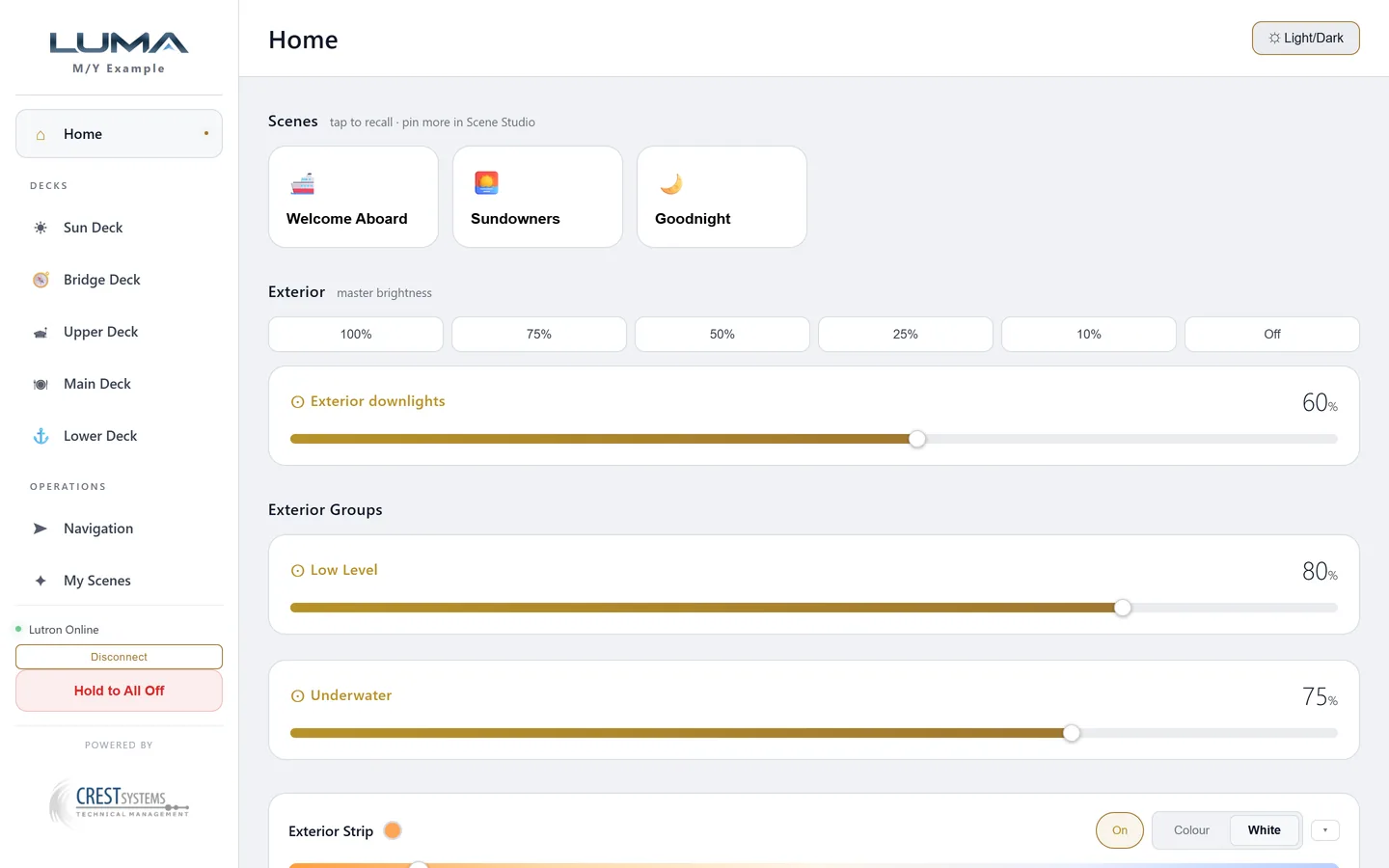
Home
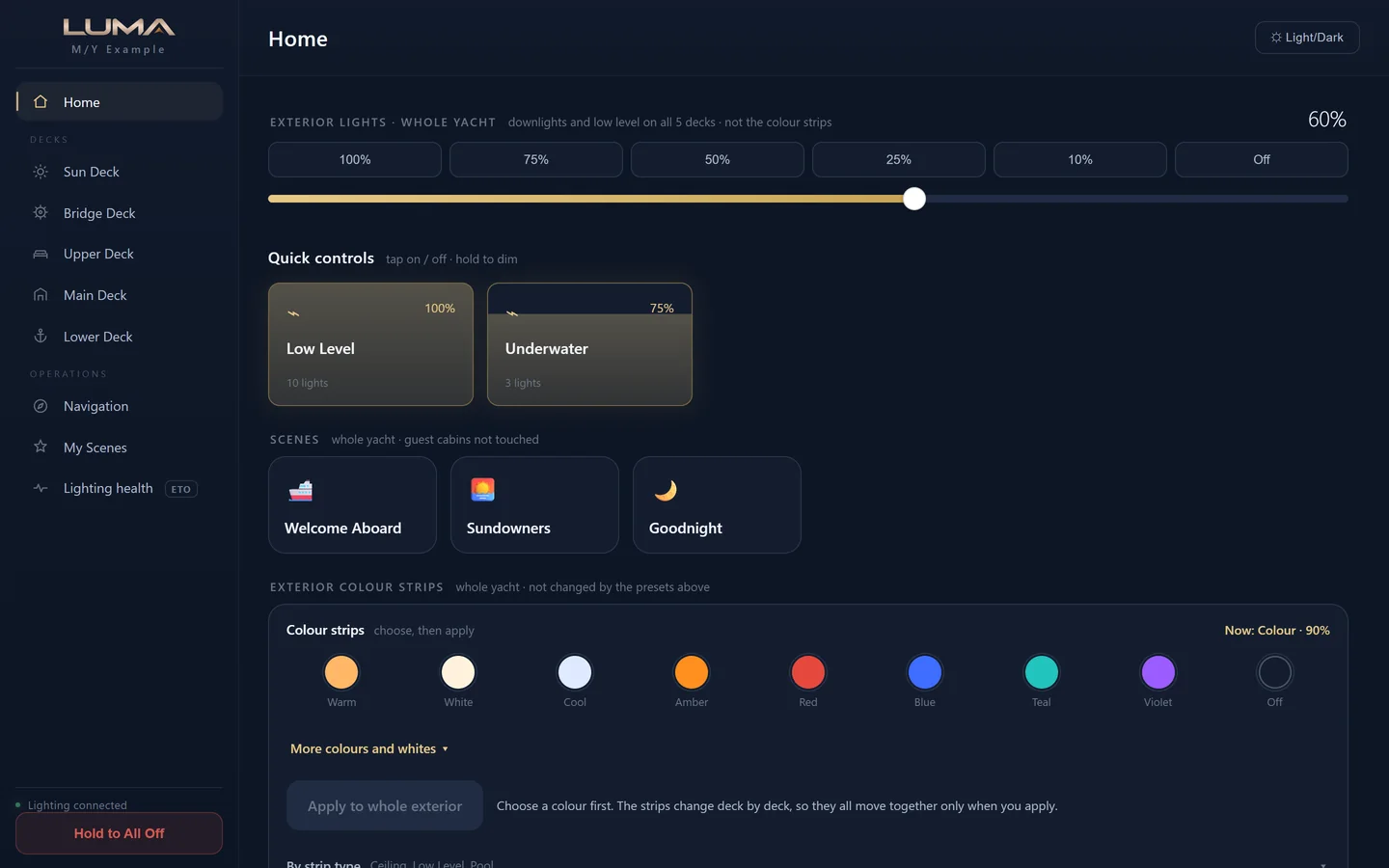
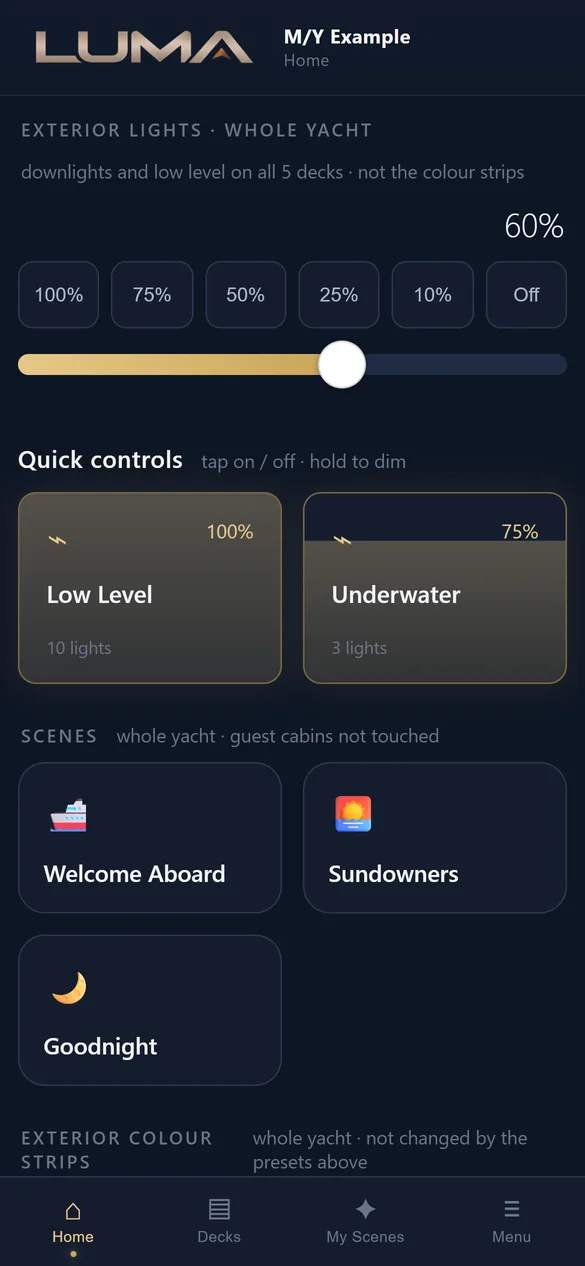
Pinned scenes, exterior brightness with quick presets, exterior lighting groups, the colour strips and a card for each deck.
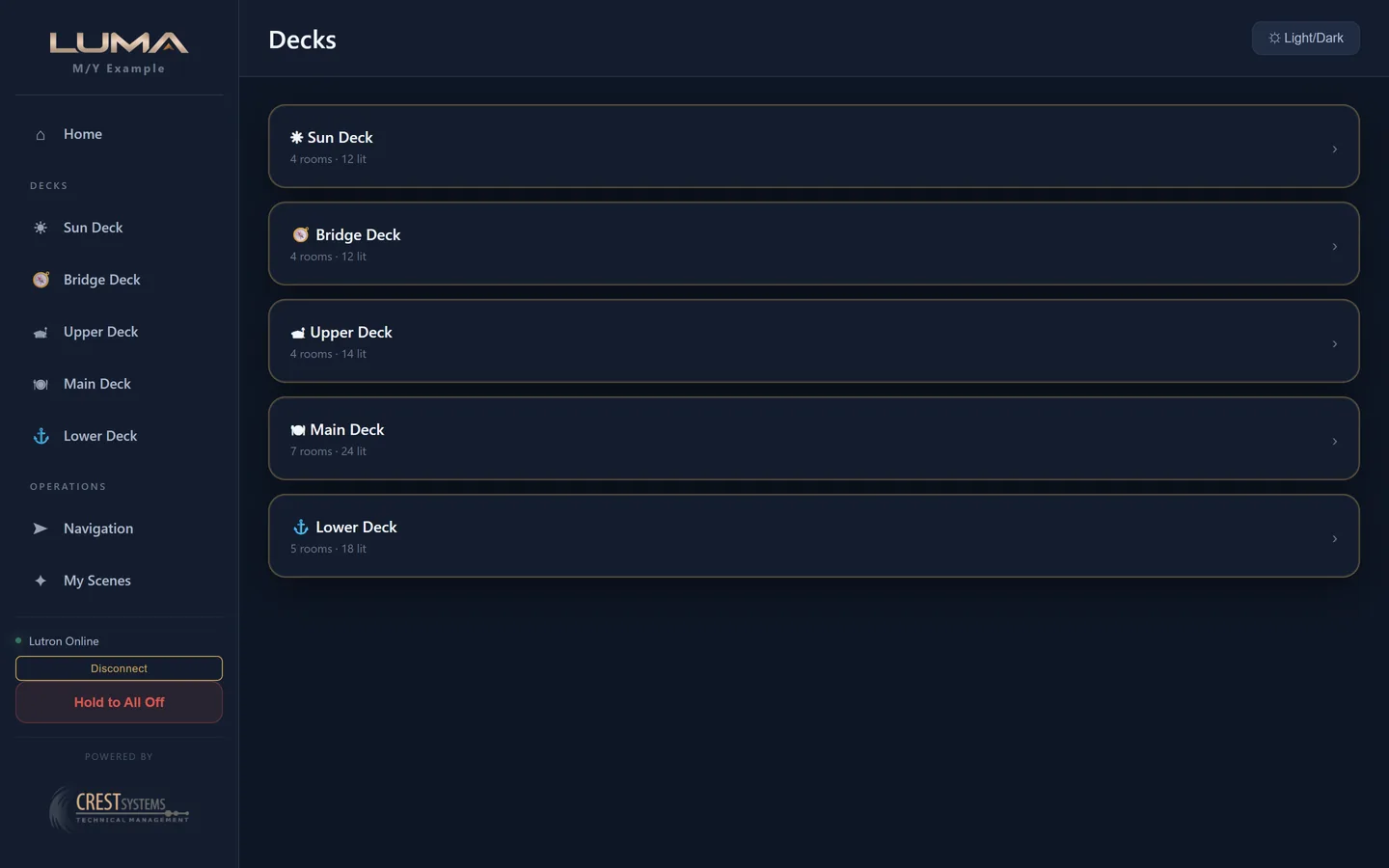
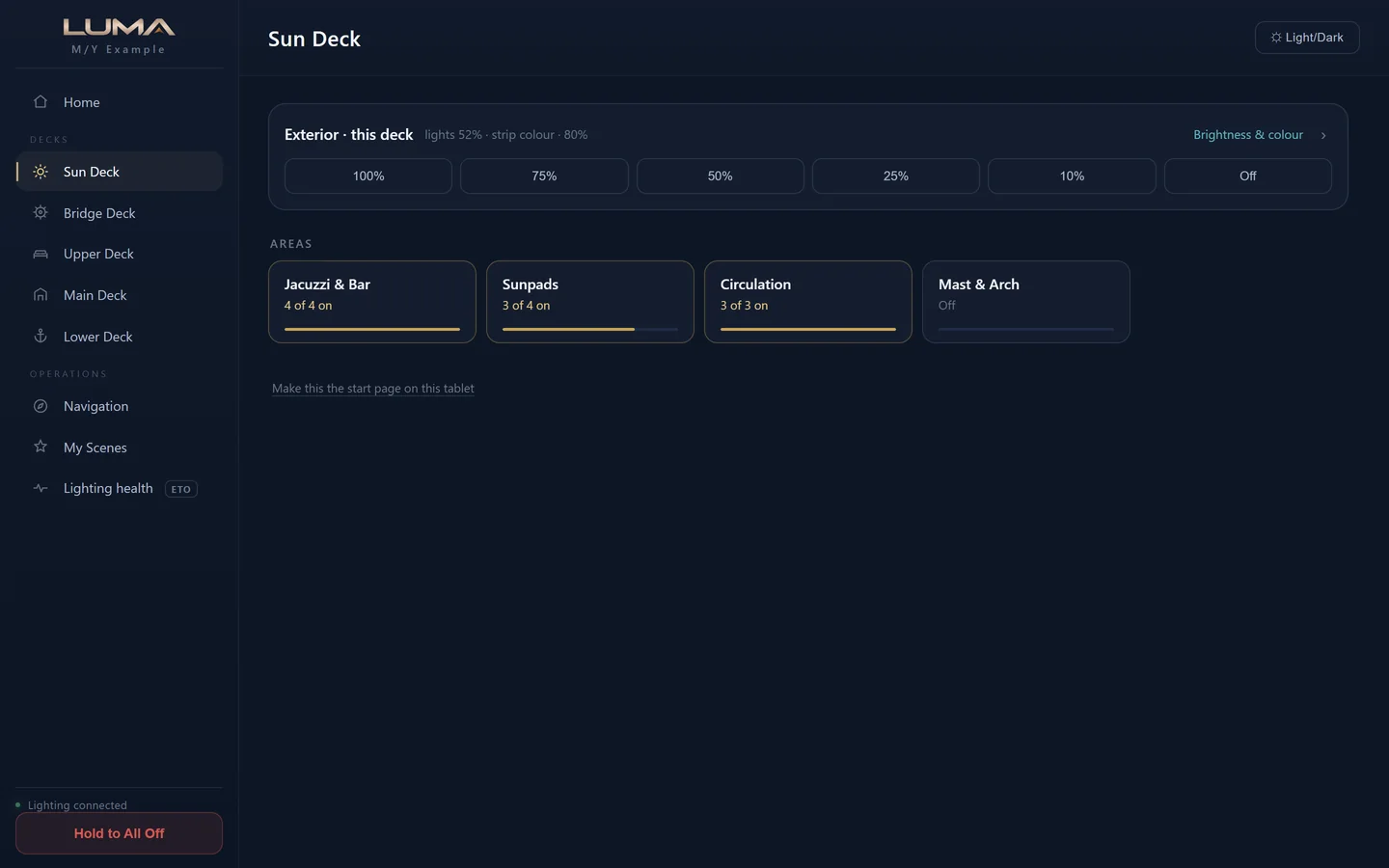
A deck
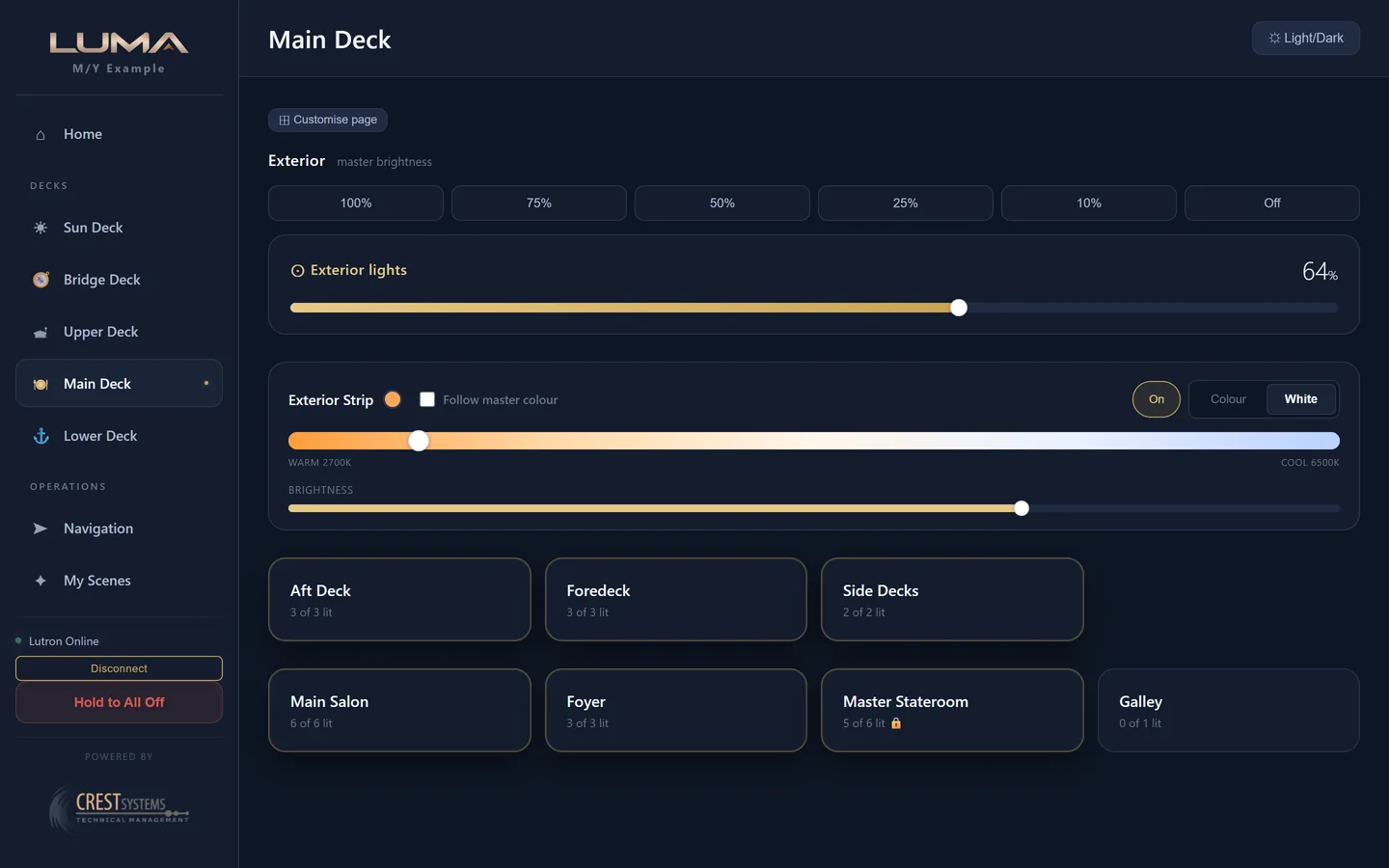
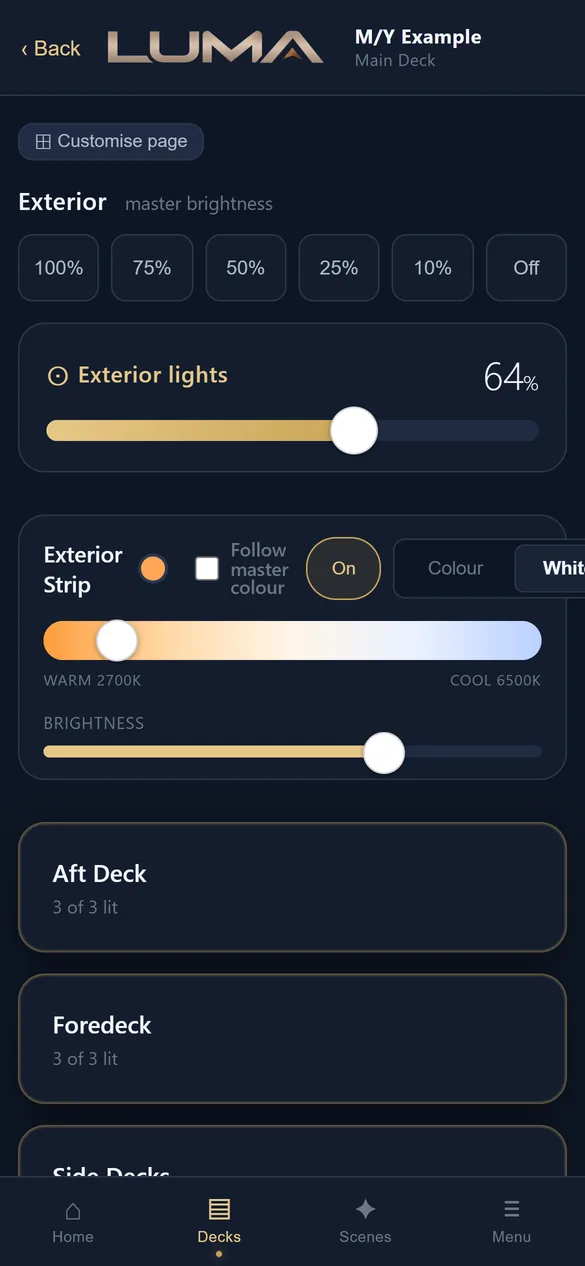
Exterior controls for the deck, then its rooms, split into Exterior and Interior. Each room shows how many lights are on, and a lock if it is private.
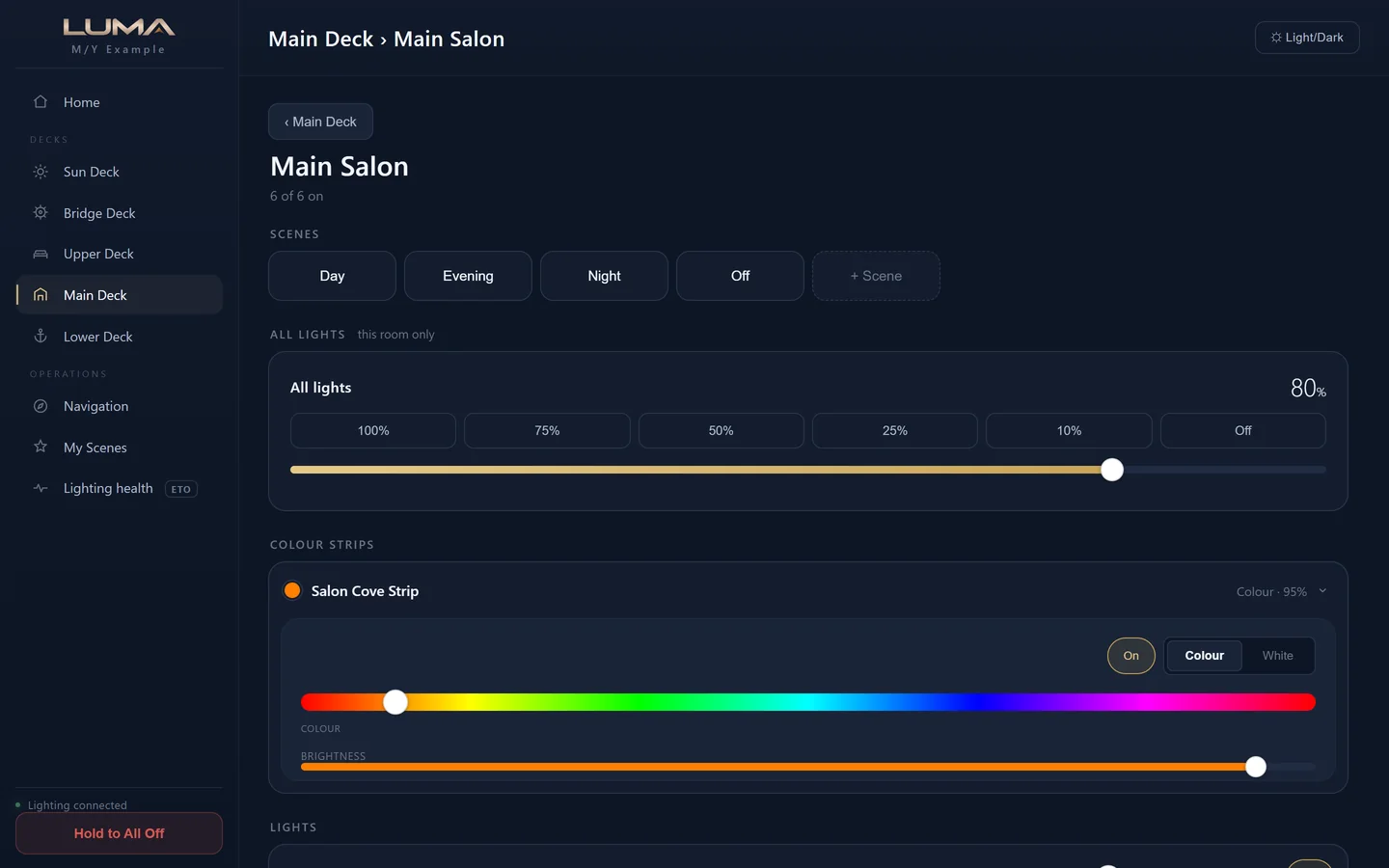
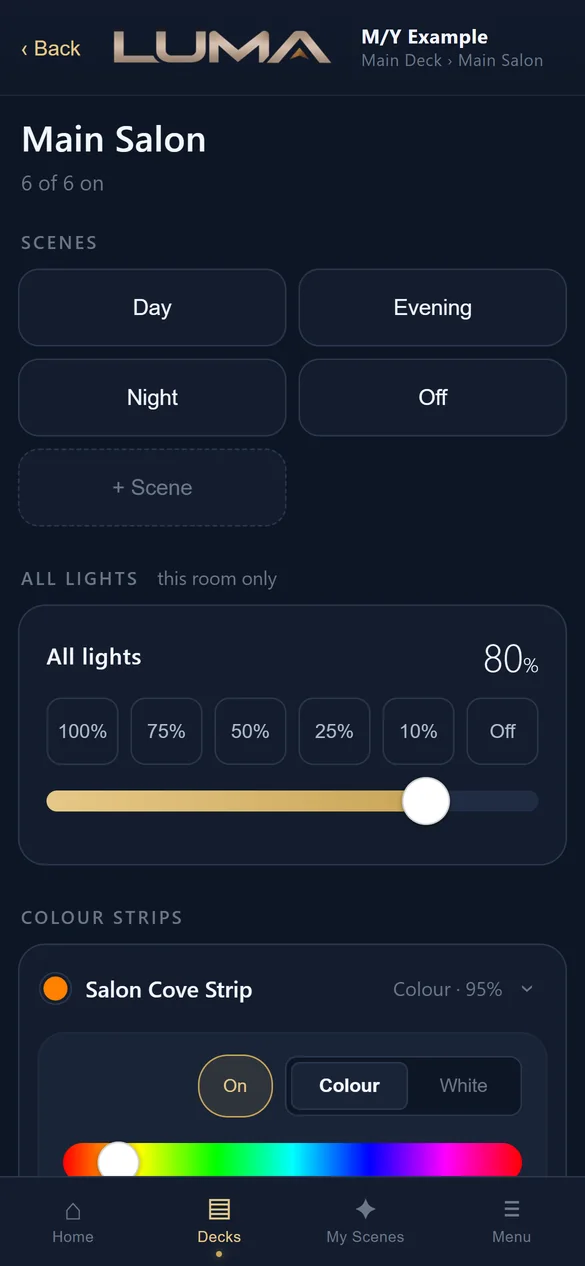
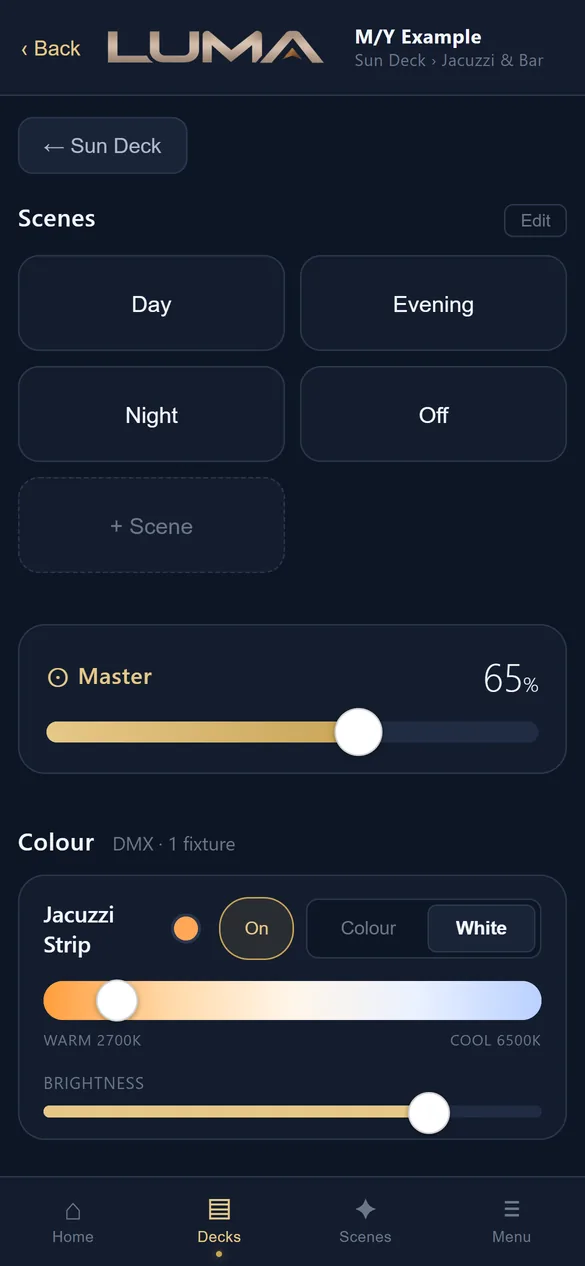
A room
Scene buttons from the lighting programming, a master dimming control, colour strip controls, and individual lighting controls showing live levels.
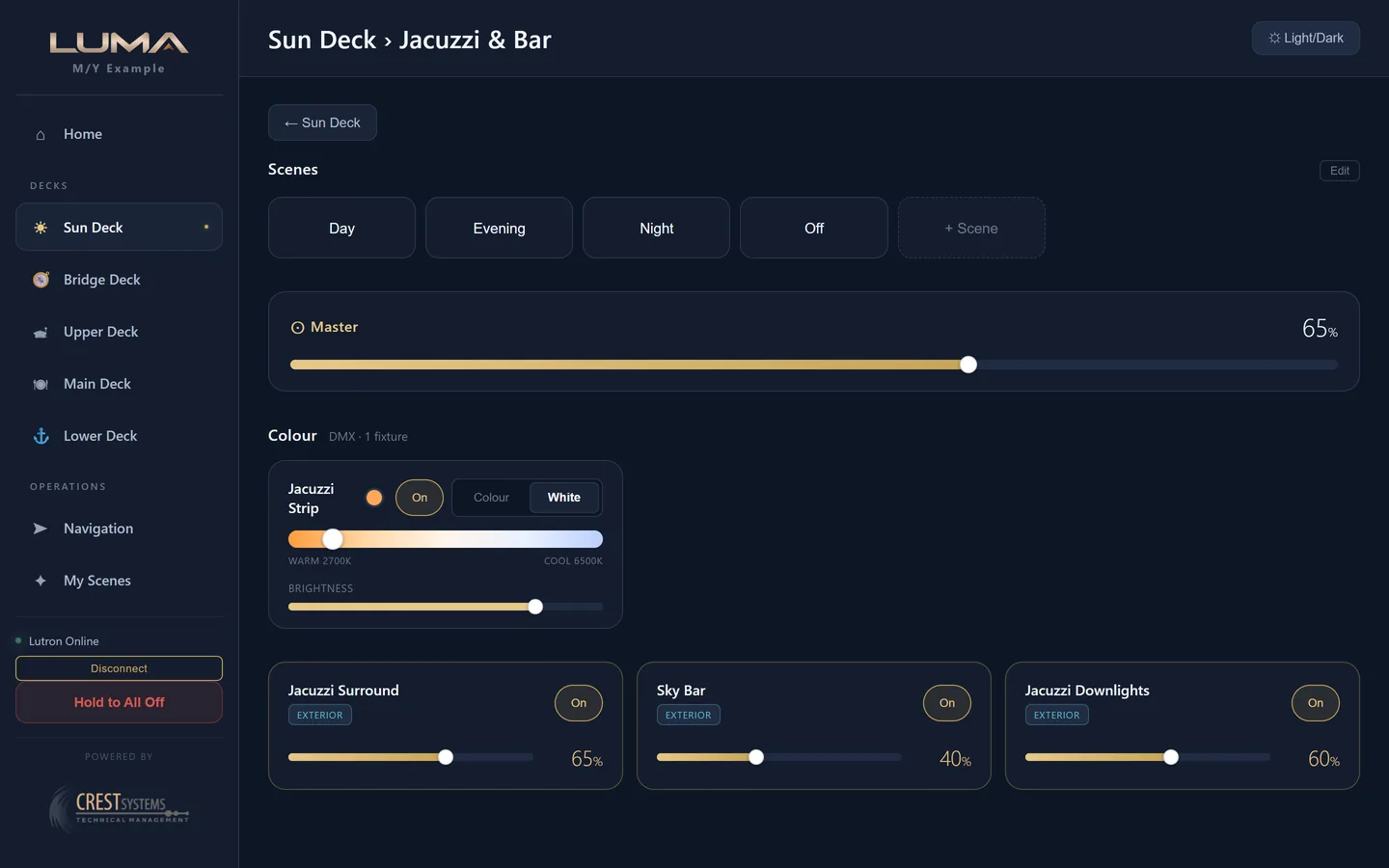
Colour strips
Choose Colour or White, set the hue or a warm-to-cool white, then the brightness. On a deck page, the controls cover that deck's exterior strips.
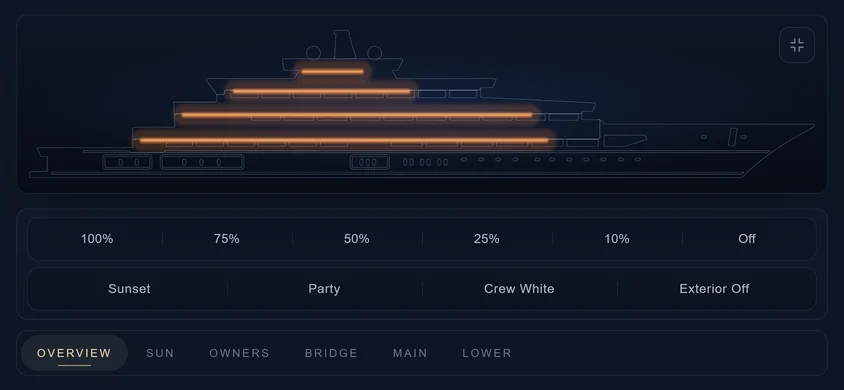
Yacht
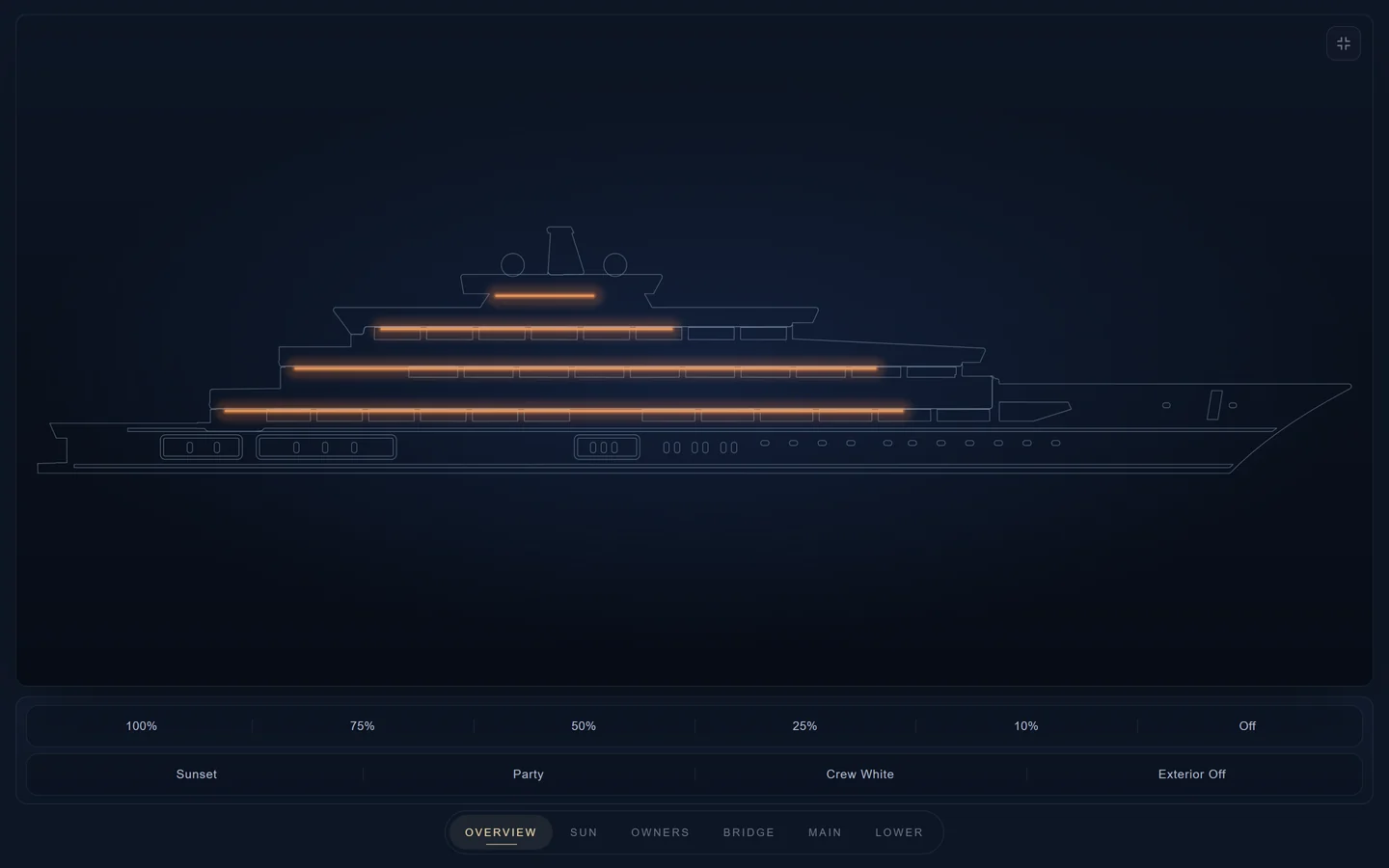
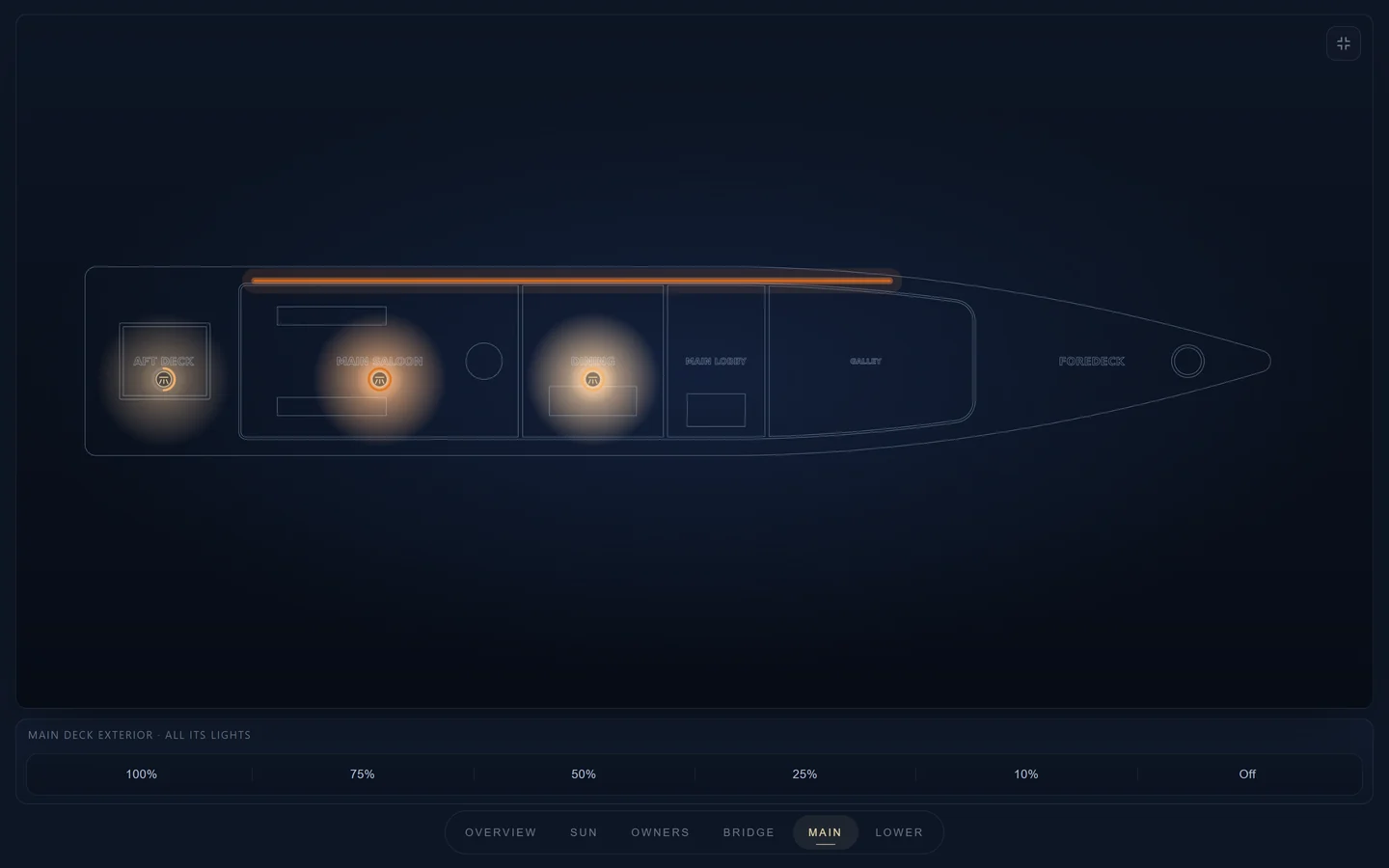
The yacht's own drawing, with every exterior light at its live level and strips in their colour. Tap a light to adjust it, or a deck to see it from above.
Navigation
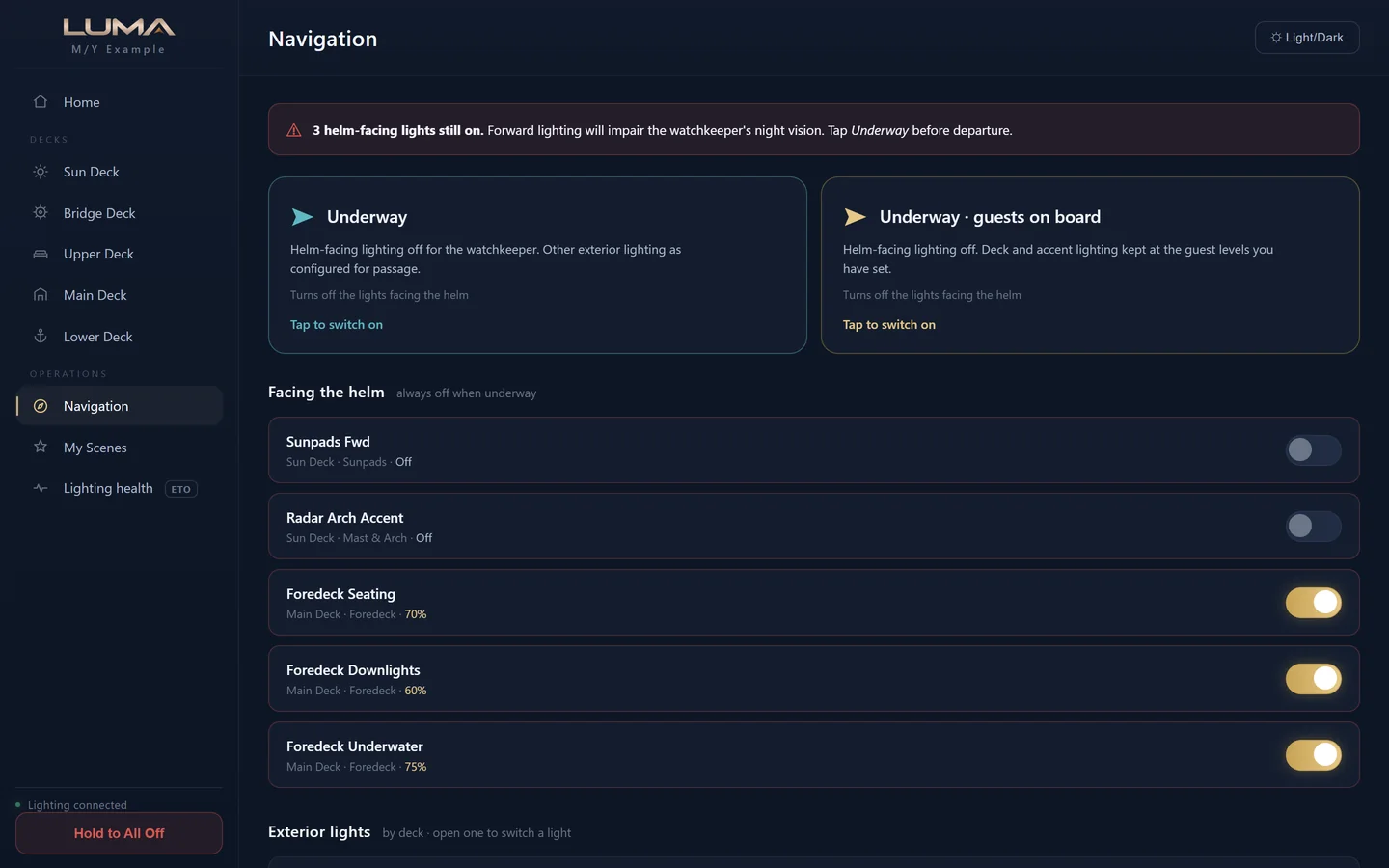
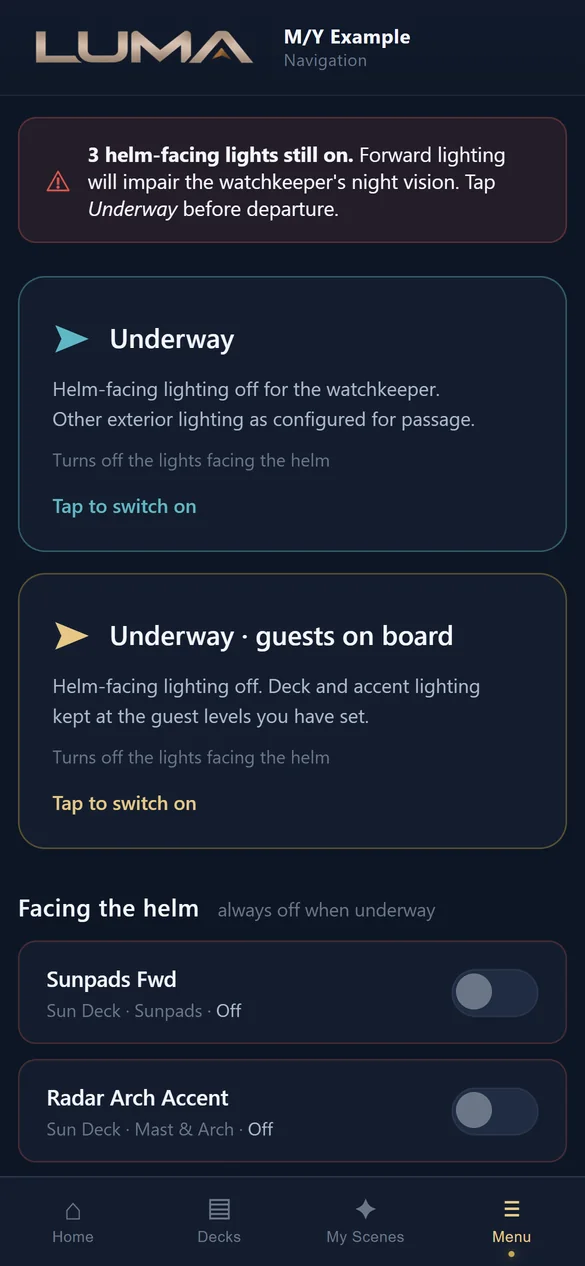
For the officer of the watch. Underway mode turns off the helm-facing lights and sets the other exterior lights to their passage levels. Every exterior light is listed with its deck and level, each with its own override.
My Scenes
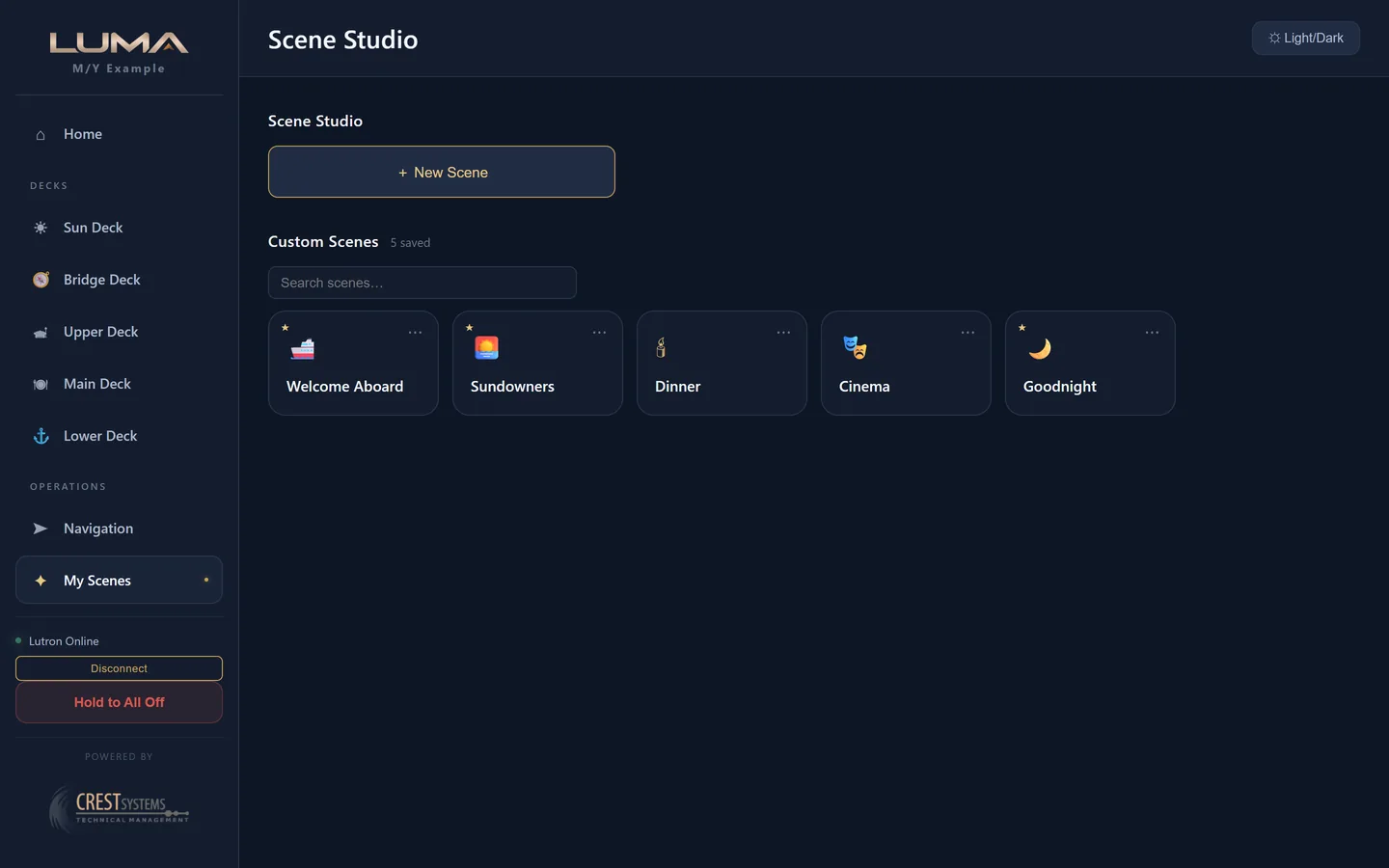
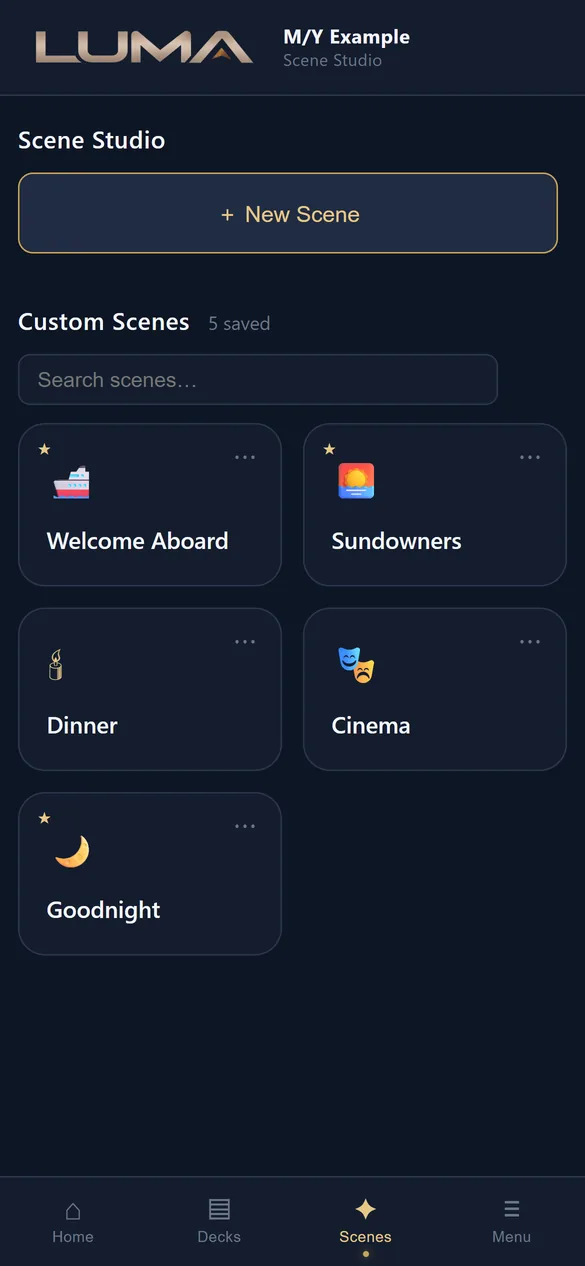
Capture the current lighting, name it and choose an icon. Each scene can be recalled, recaptured, renamed, pinned to Home or deleted.
Guest page
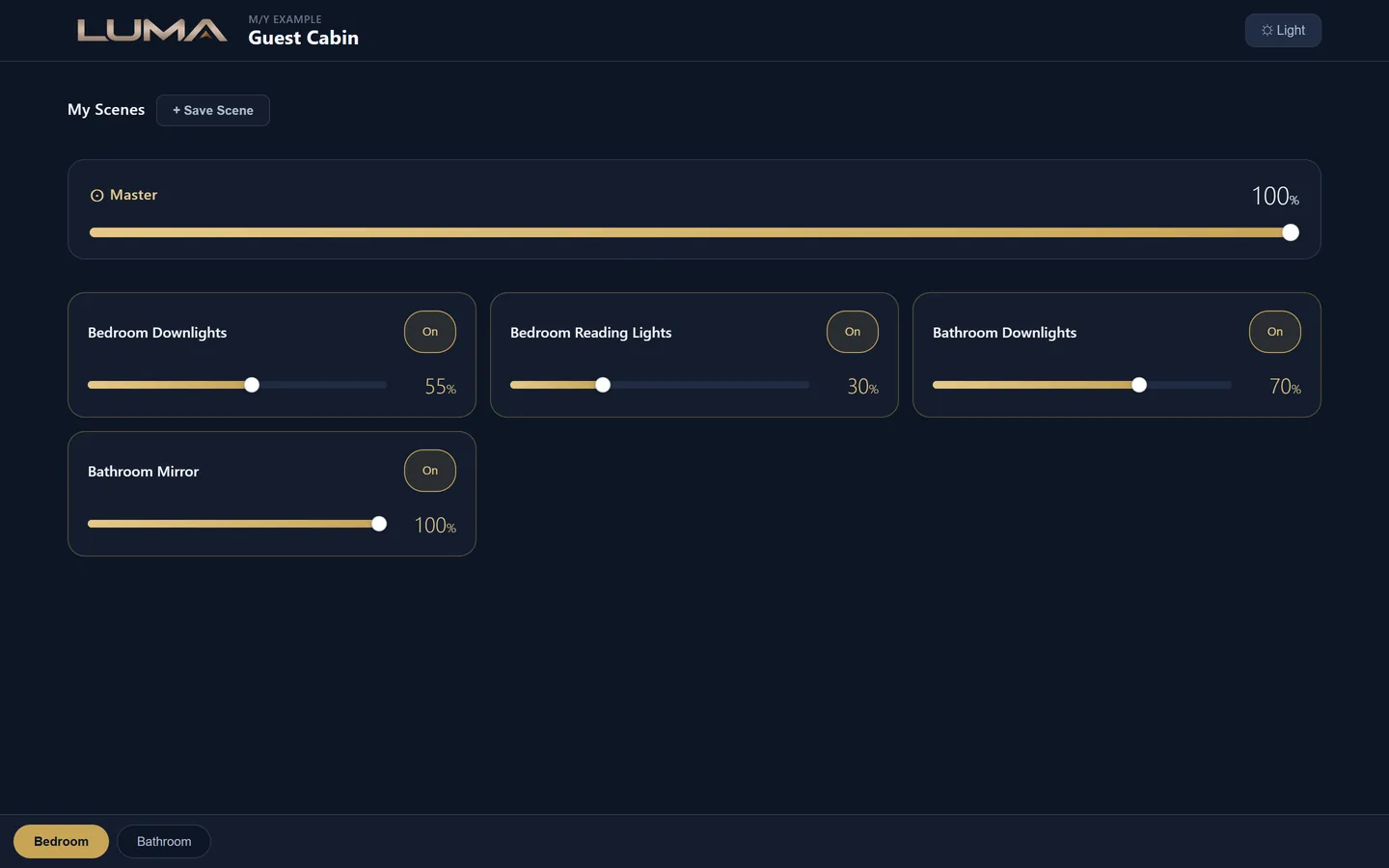
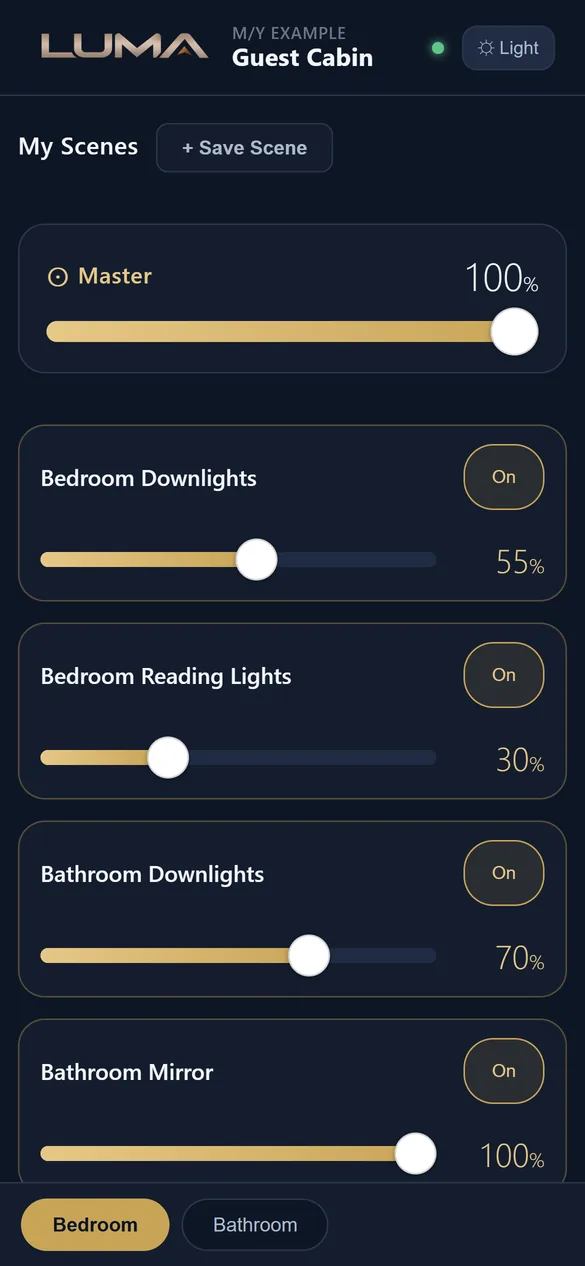
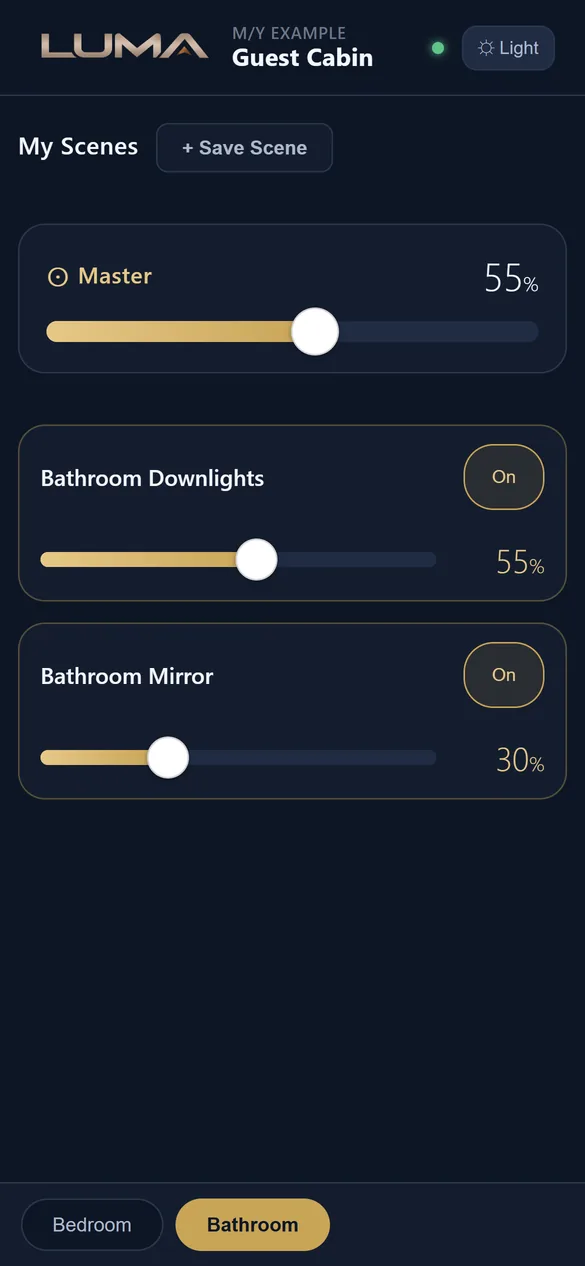
What a guest sees after scanning their cabin's QR code: their scenes, master dimming, each light, and a tab for each space where the cabin is split. Nothing else on the yacht is shown.
Light mode
Dark is the default; Light mode is easier to read in bright sunlight. Each device remembers its choice.
Ask about LUMA for your vessel.
Whether you are planning a new build or upgrading an existing yacht, contact us to discuss compatibility and integration requirements, and arrange a demonstration. Crest Systems supplies the LUMA appliance and can commission it directly, or provide your preferred installer with a commissioning checklist.
support@+44 7393 830779